All charts
👋 This page displays all the charts available in the python graph gallery.
The vast majority of them are built using matplotlib, seaborn and plotly. But many other python charting libraries are used too.
Click on an image to read the full tutorial with explanation and reproducible code 😍! If you are interested in a particular chart type, please check the classification in the front page.
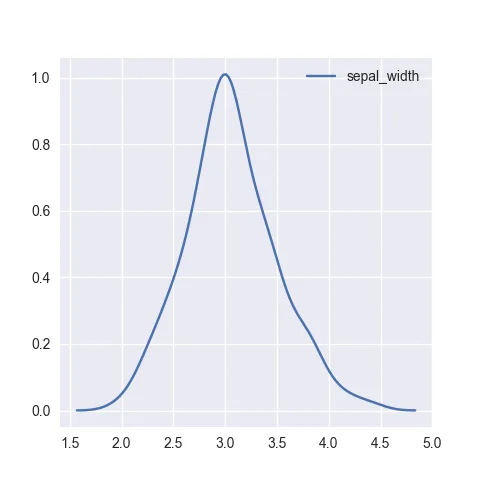
The most basic density plot one can make with python and seaborn
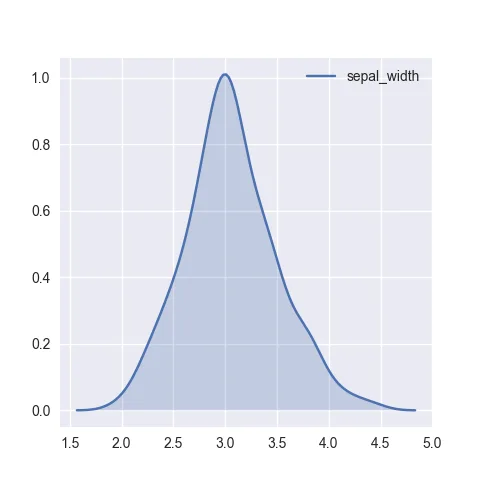
seaborn densty chart with filled area
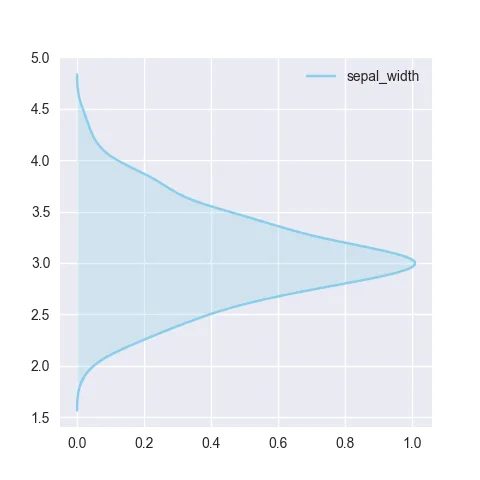
vertical seaborn density chart
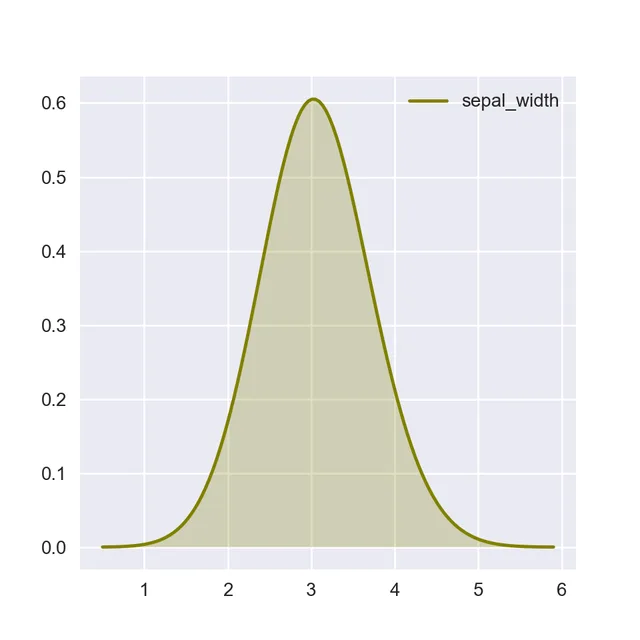
control density chart color
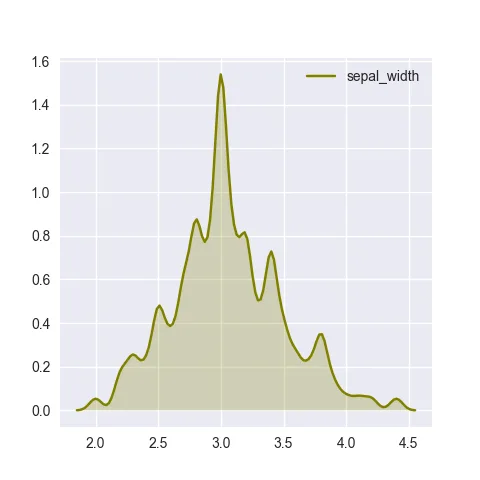
Changed the bandwidth used to compute the density
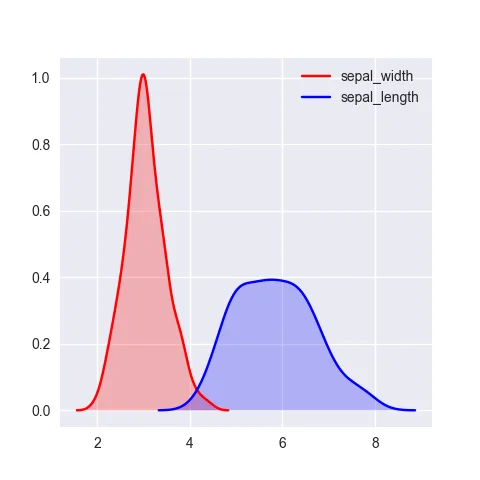
Density chart with several displayed groups
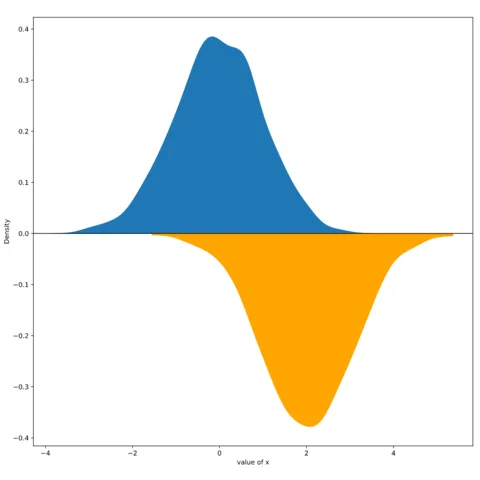
Mirror density chart to compare the distribution of 2 variables
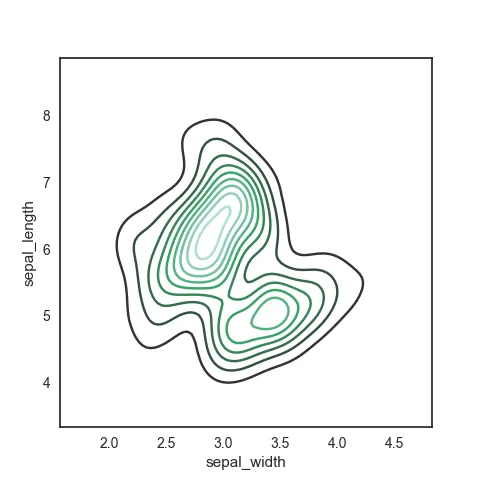
Basic contourplot with seaborn.
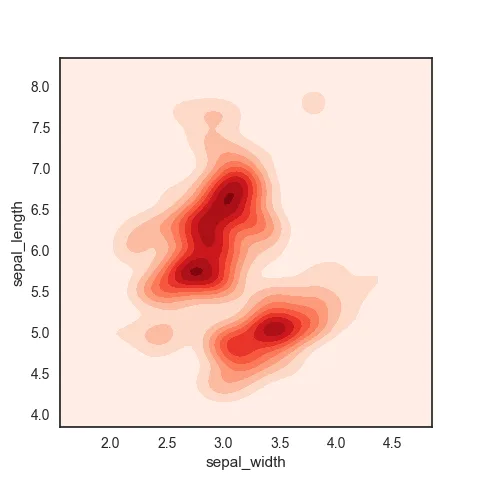
Basic contourplot with seaborn.
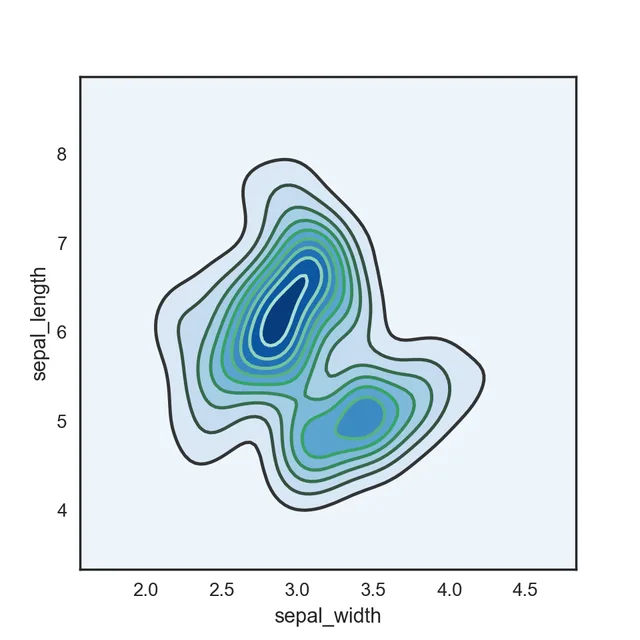
Basic contourplot with seaborn.
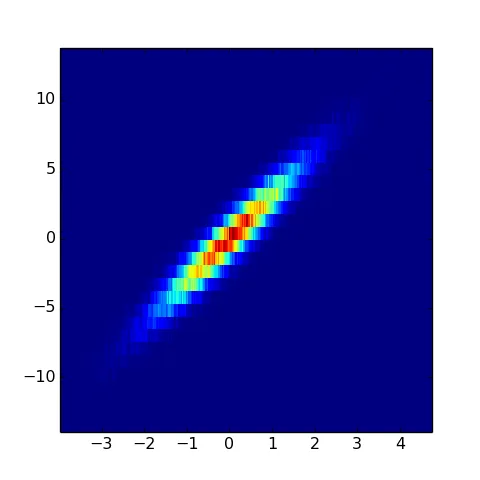
Basic 2D histogram with seaborn
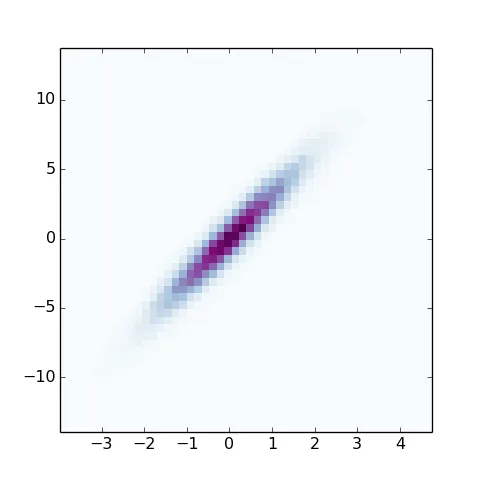
Control the color in the 2d histogram.
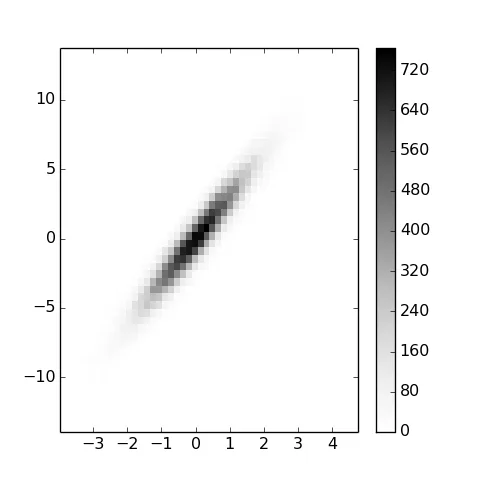
Black and white, color scale legend.
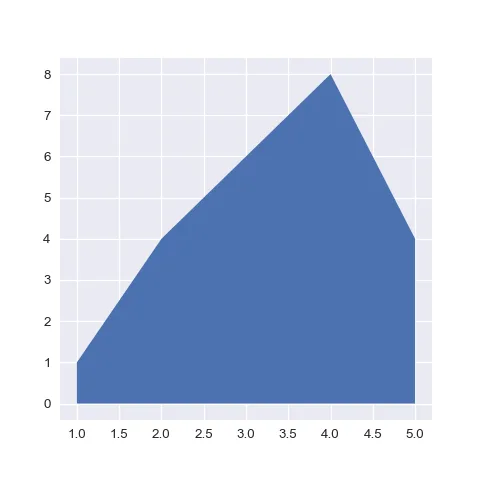
The most basic area chart one can make with python and matplotlib
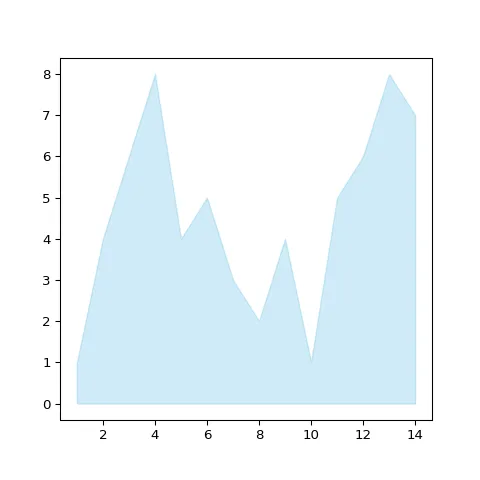
Control chart color (Matplotlib)
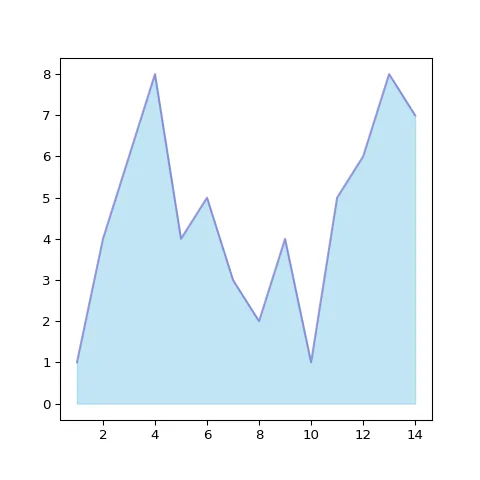
Control line color
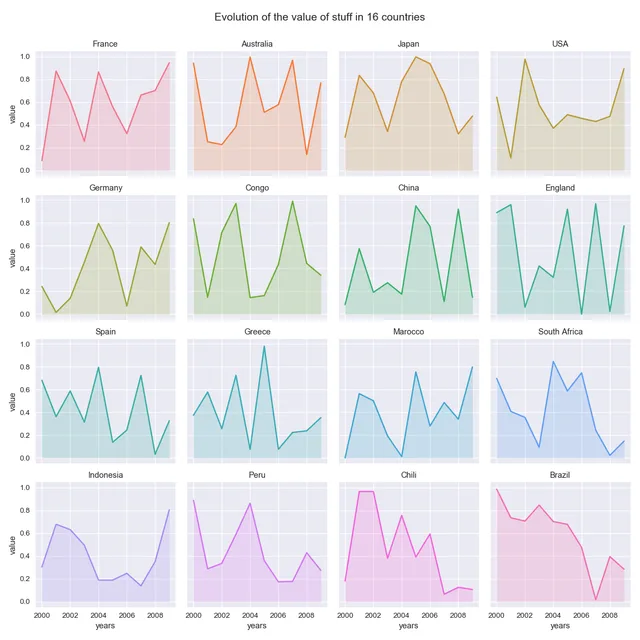
Area chart with small multiple, seaborn
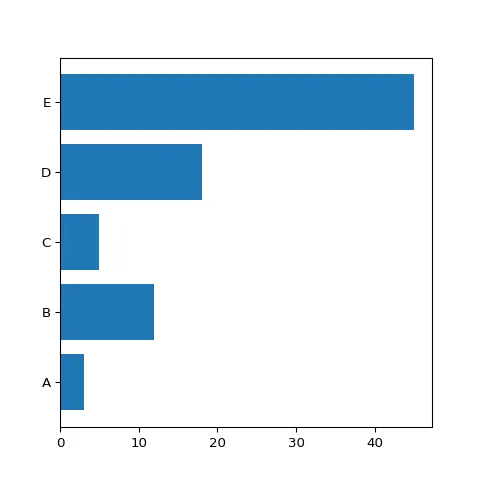
Horizontal barplot, handy to make labels more readable.
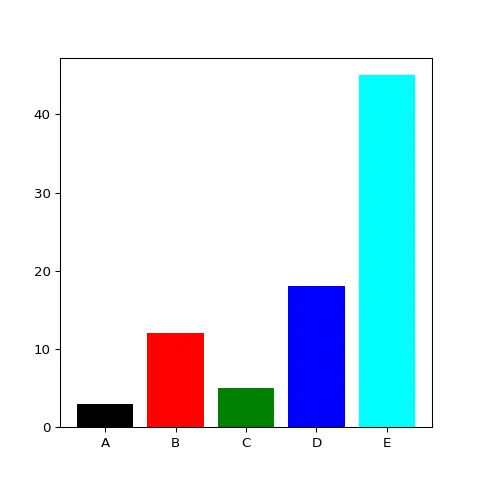
Barplot and color customization.
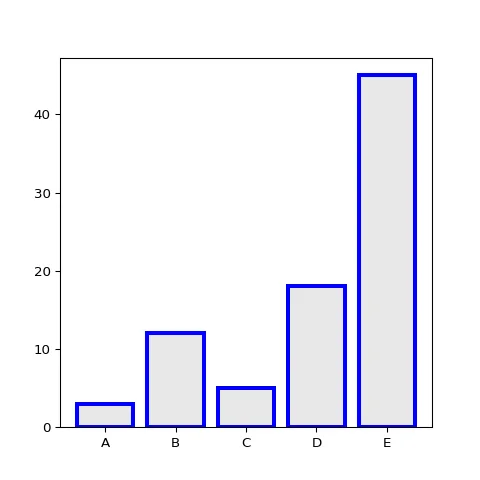
Change the bar stroke colors.
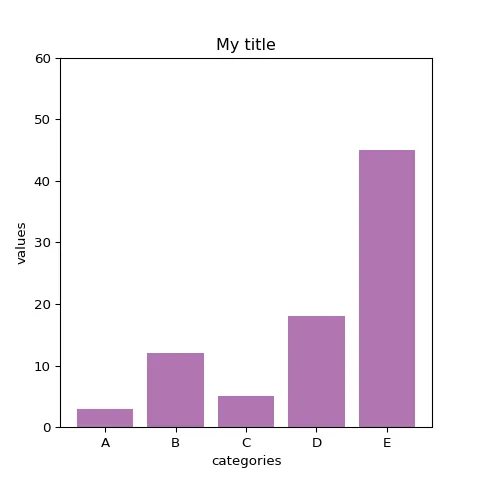
Title and axis labels with Matplotlib.
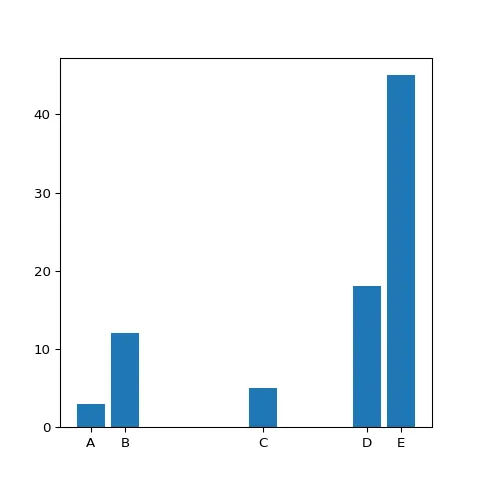
Custom bar width. Can be handy to illustrate the sample size.
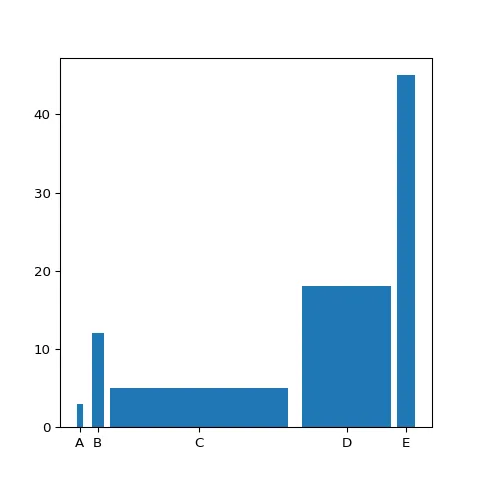
Custom space between bars.
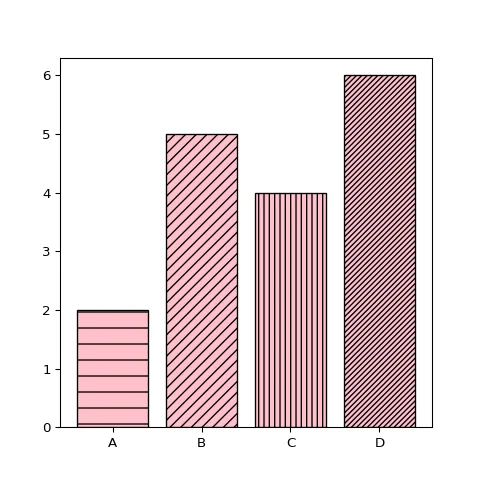
Change bar texture.
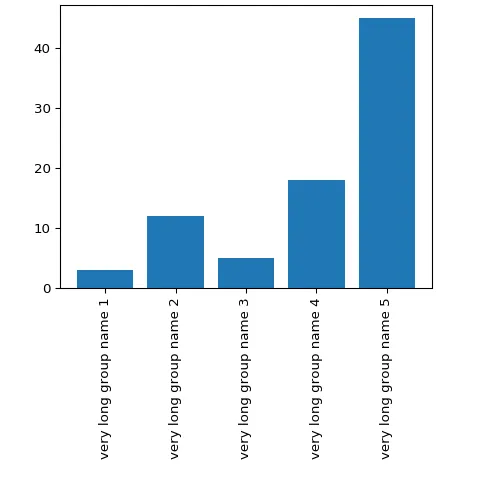
More space under X axis to fit long labels.
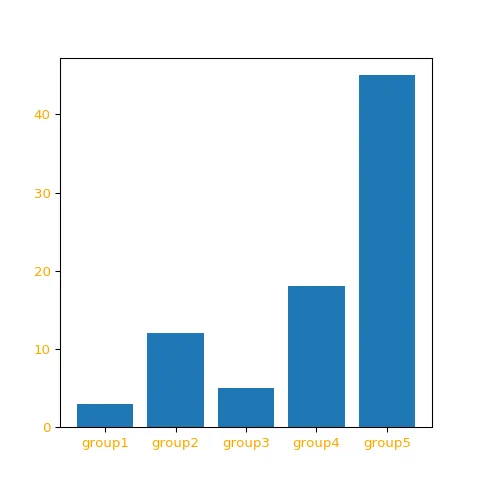
Customize the bar labels.
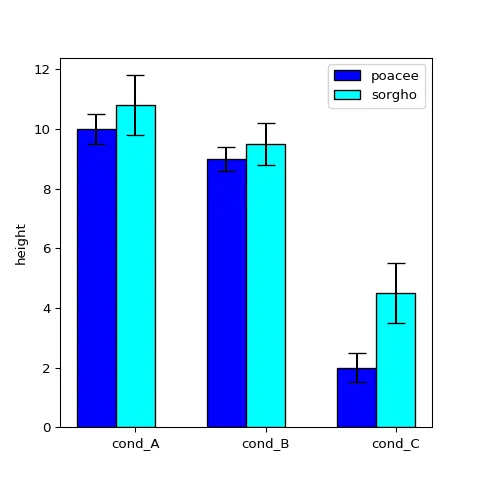
Barplot with confidence interval.
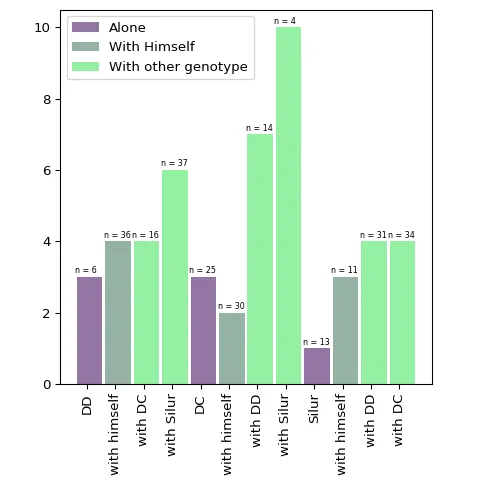
Highly customized barplot with colors, legend, labels and more.
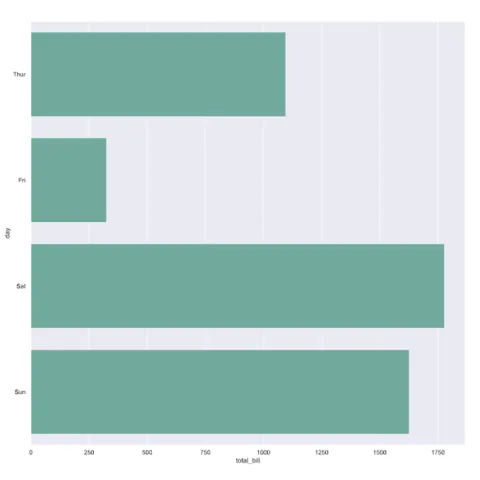
Most basic barplot with Python and Seaborn
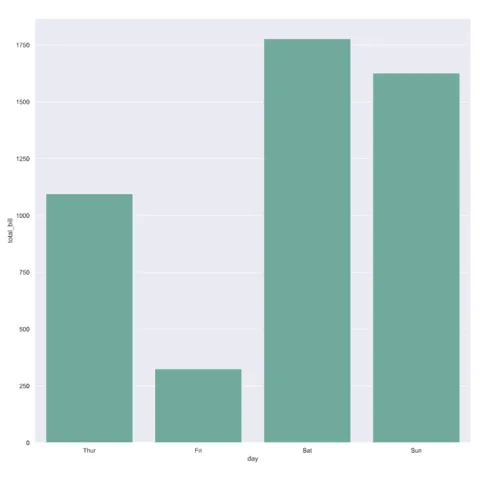
Make your barplot vertical by swapping the x and y parameters
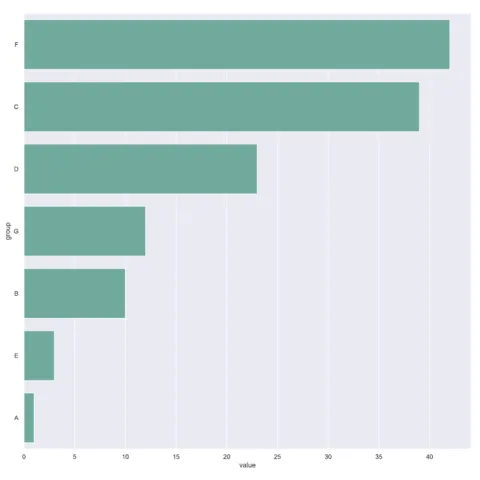
Learn how to reorder groups in a seaborn barplot
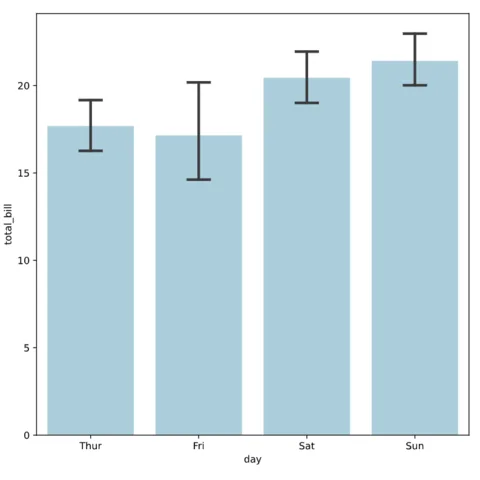
Add error bars on a seaborn barplot
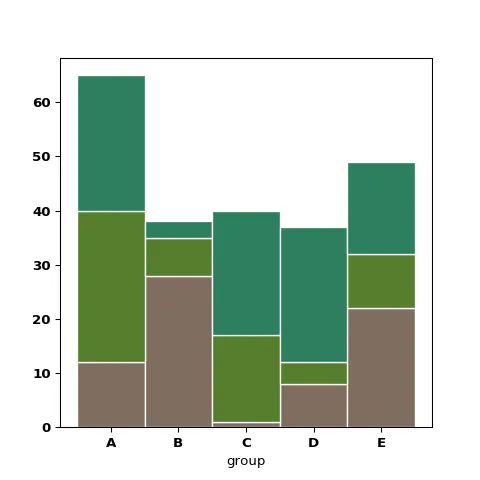
How to build a stacked barplot with Python.
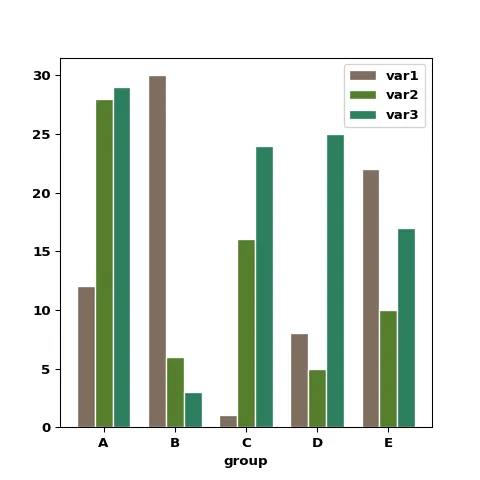
How to build a grouped barplot with Python.
How to build a percent stacked barplot with Python..
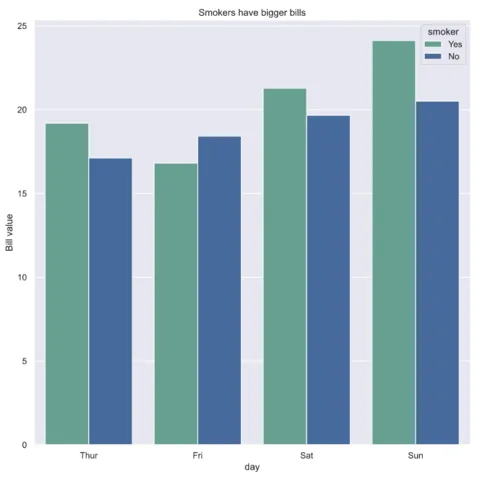
Grouped barplot with python and seaborn
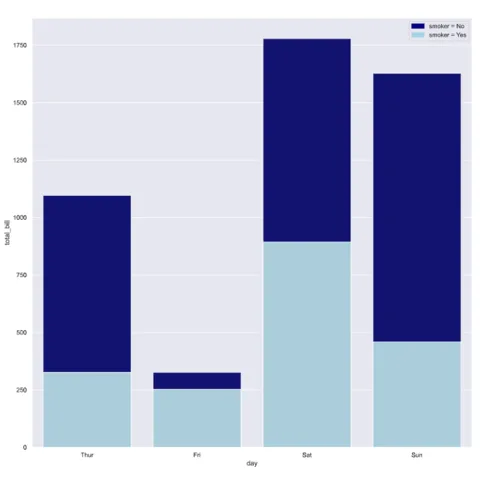
Stacked barchart with python and seaborn
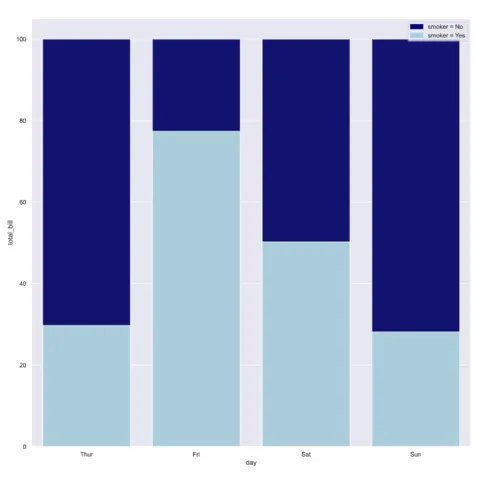
Percent stacked barchart with python and seaborn
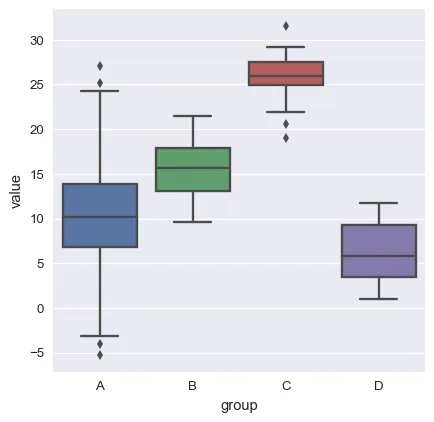
Basic boxplot. You can quickly read the median, quartiles and outliers of each group.
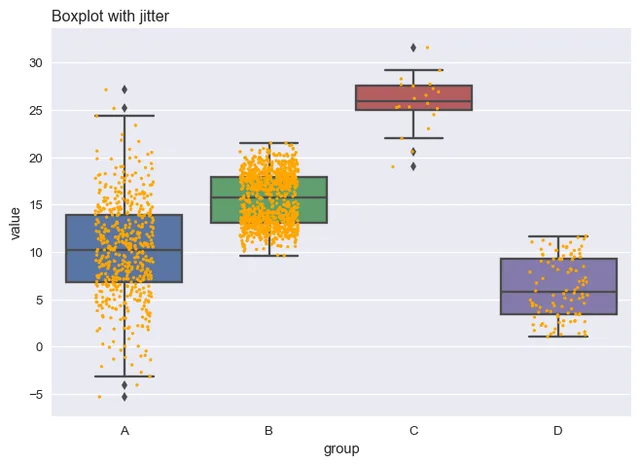
If you add individual points with jitter, a bimodal distribution appears for group B
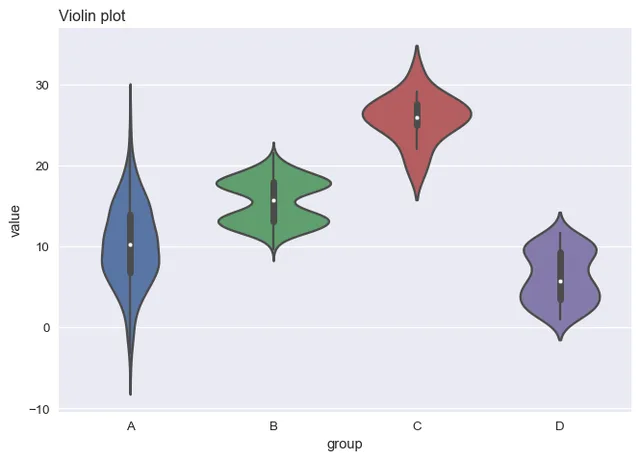
If you have a very large dataset, the violin plot is a better alternative than jittering
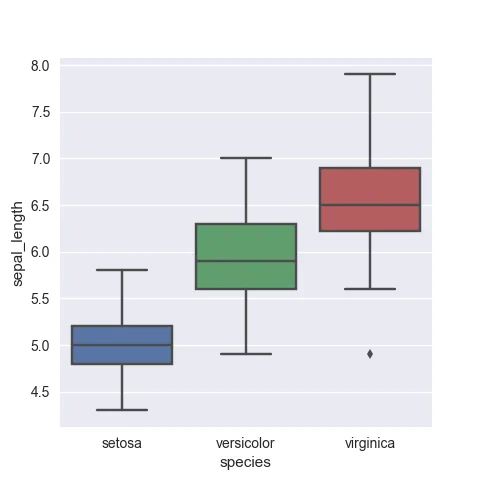
Let's start basic. The most simple boxplot, based on 3 differents input formats
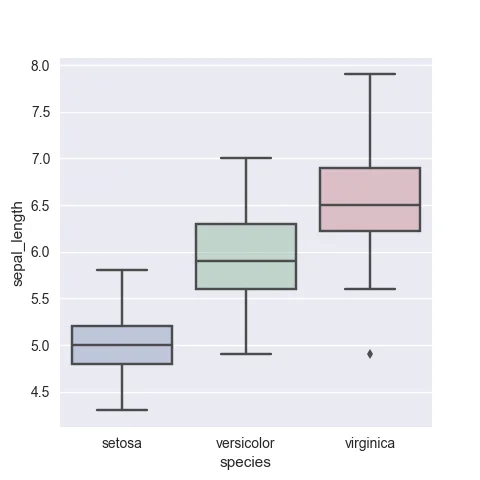
Everything you need concerning color customization on your boxplot: transparency, palette in use, manual control..
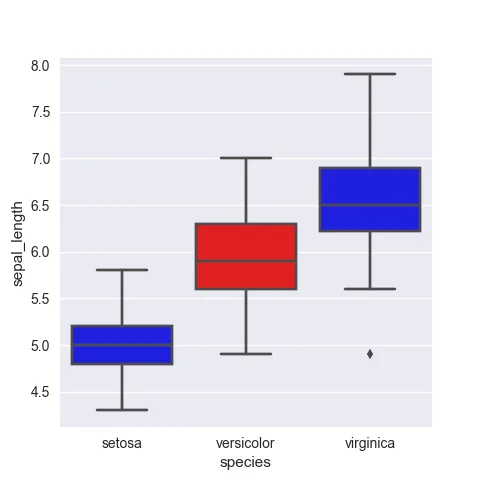
Learn how to highlight a specific group in the dataset to make your point more obvious
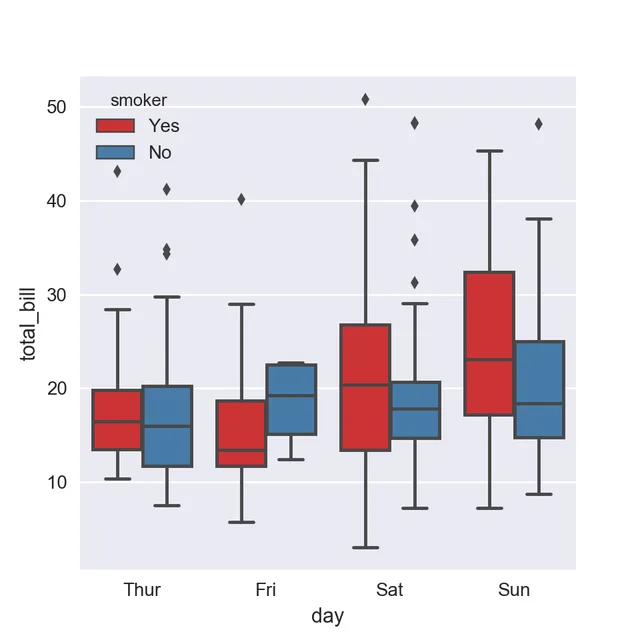
If you have group and subgroups, you can build a grouped boxplot
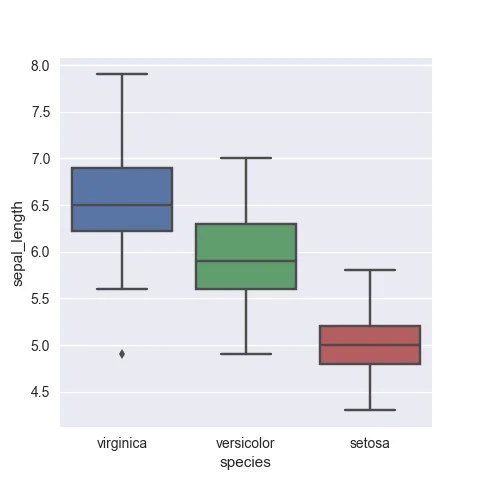
Control the order of groups in the boxplot. It makes the chart more insightful
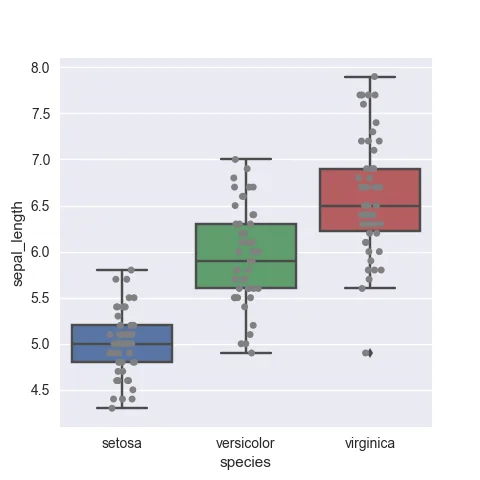
To avoid hiding information, you can add individual data points with jitter
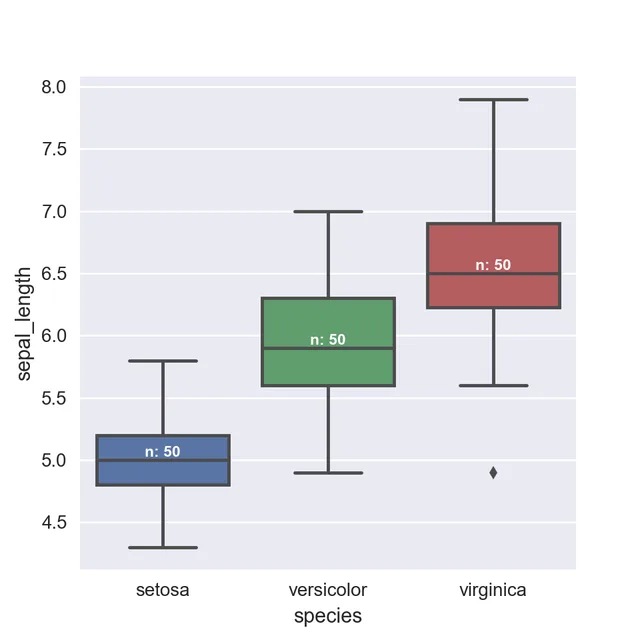
Since individual data points are hidden, it is a good practice to show the sample size under each box
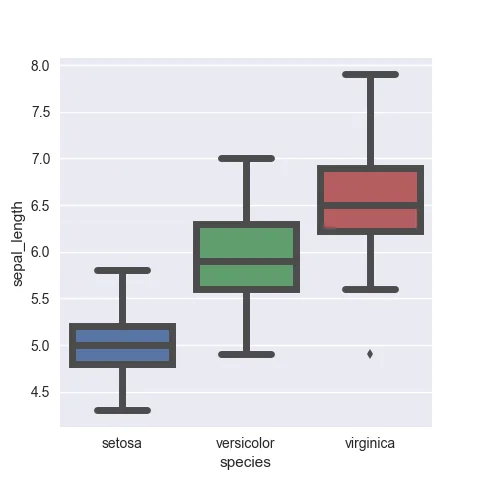
Customization: border width
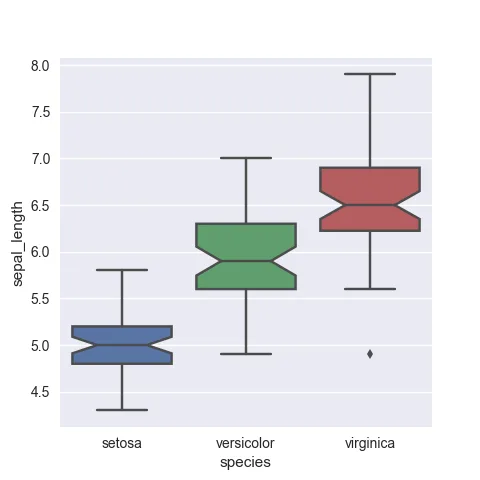
Customization: use notch
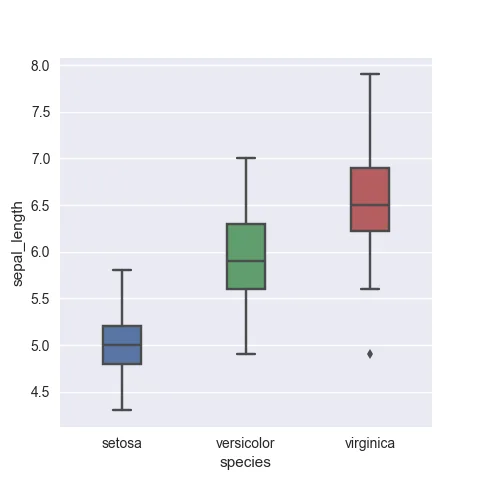
Customization: box width
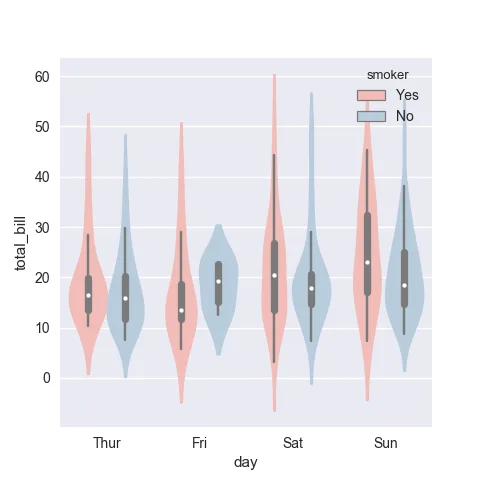
If you have both groups and subgroups, you'll be interested in a grouped violin plot
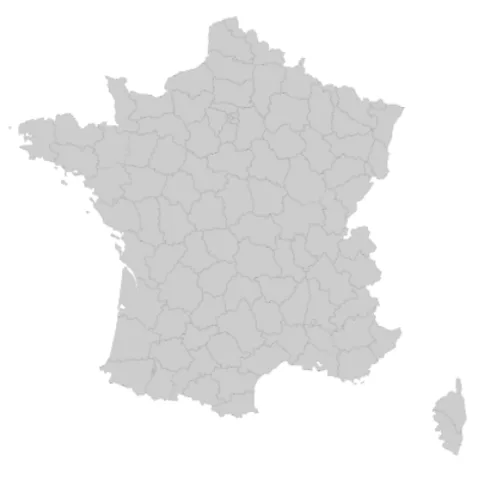
How to read a geoJson file with geopandas and transform it to a geodataframe.
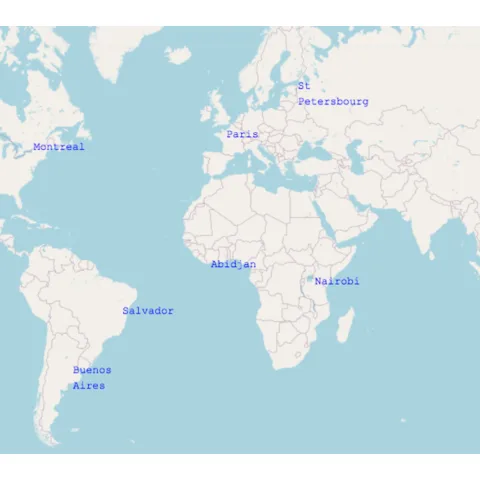
How to read a geoJson file with geopandas and transform it to a geodataframe.
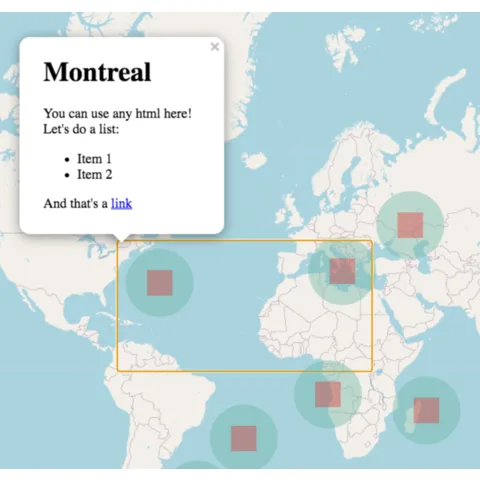
How to read a geoJson file with geopandas and transform it to a geodataframe.
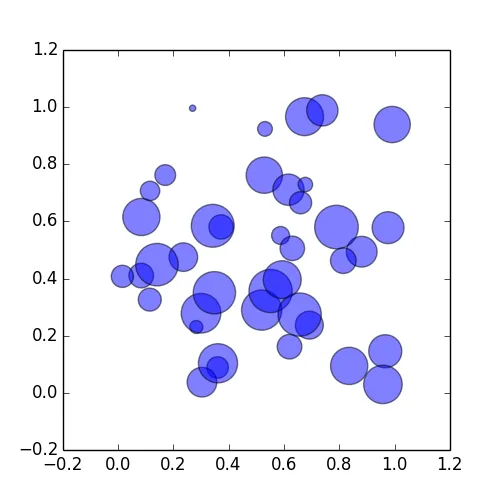
Most basic bubble plot with Python and Matplotlib
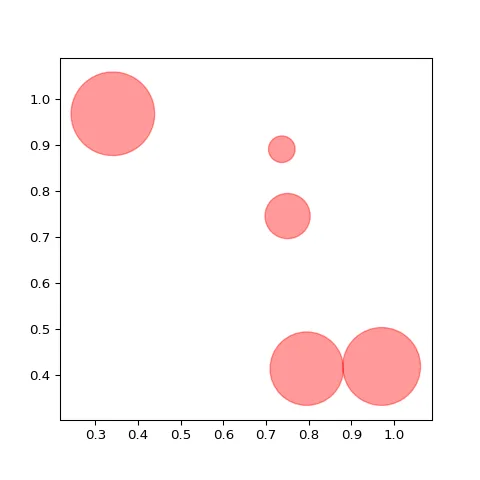
Bubble plot customization: color
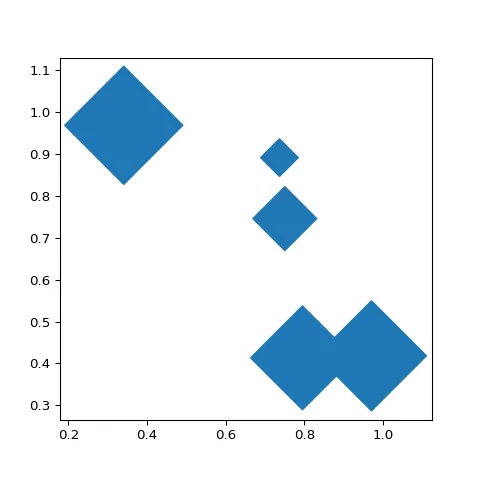
Bubble plot customization: shape
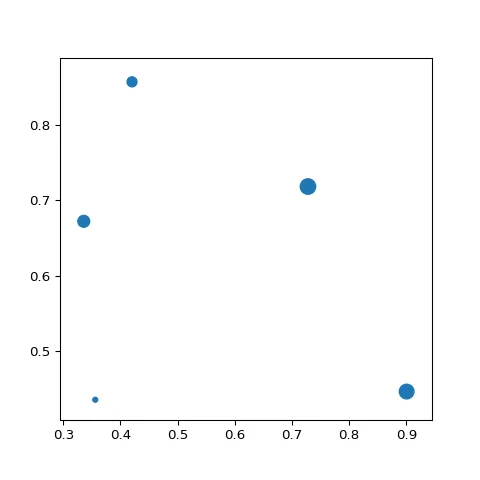
Bubble plot customization: size
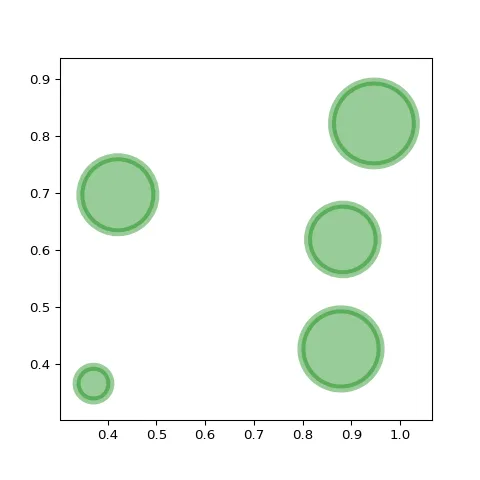
Bubble plot customization: stroke
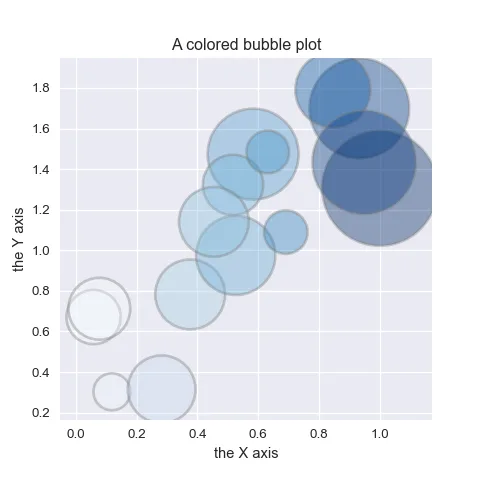
A bubble chart width 4 dimensions: x, y, size & color
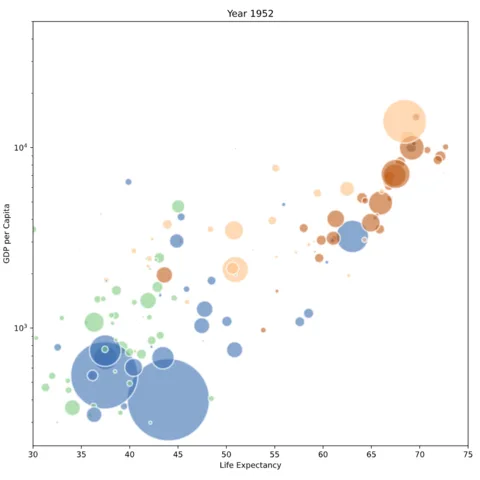
Bubble plot of the gapminder dataset
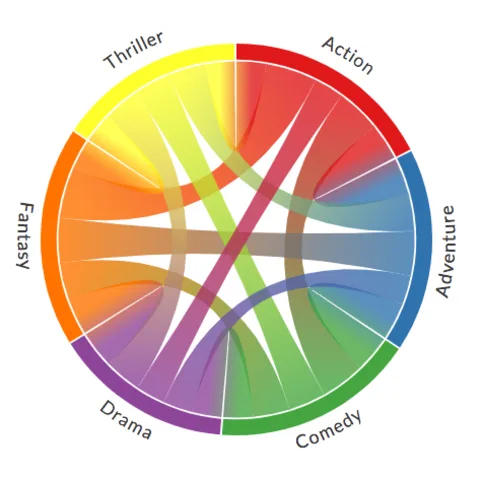
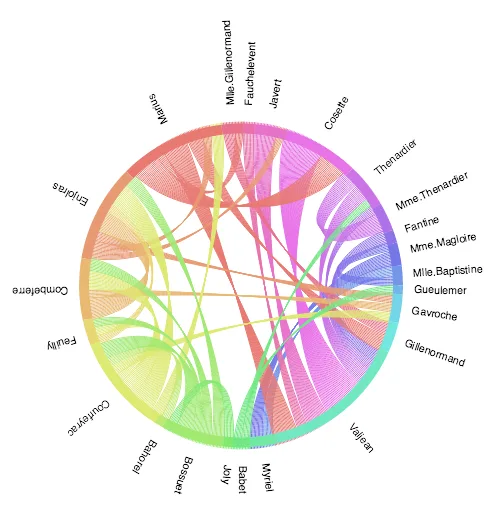
Most basic chord diagram example from a random matrix.
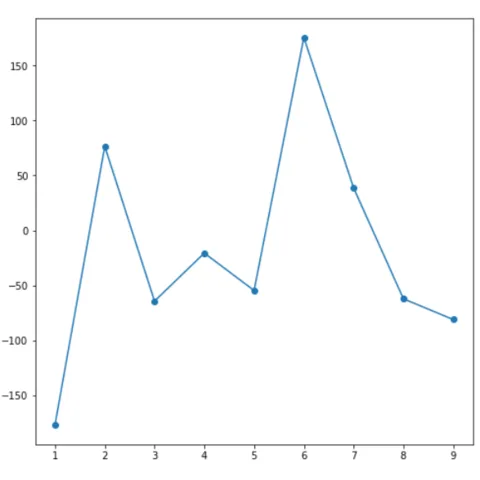
Basic connected scatterplot with Python and Seaborn.
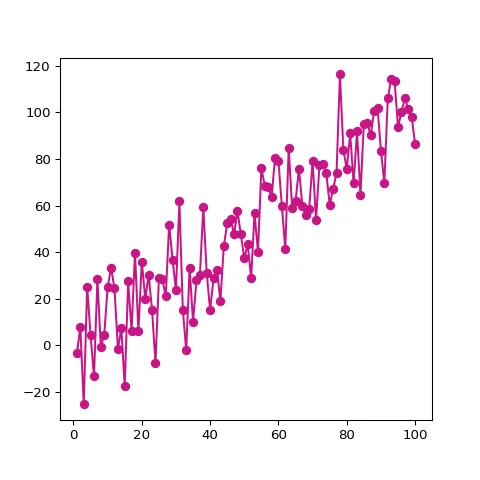
Basic connected scatterplot with Python and Matplotlib
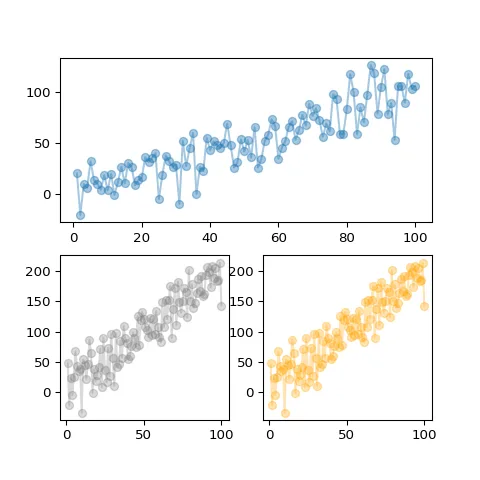
Connected scatterplot on a split window
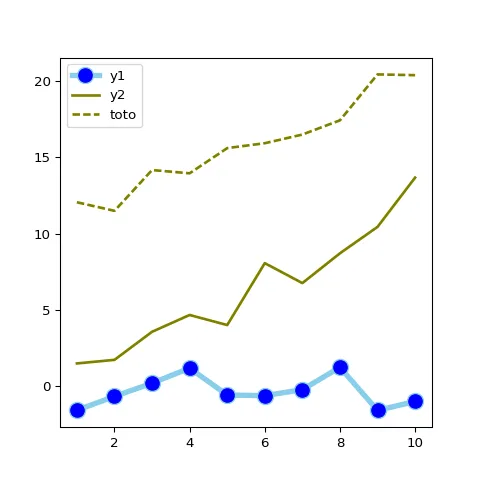
How to customize line and markers with Matplotlib
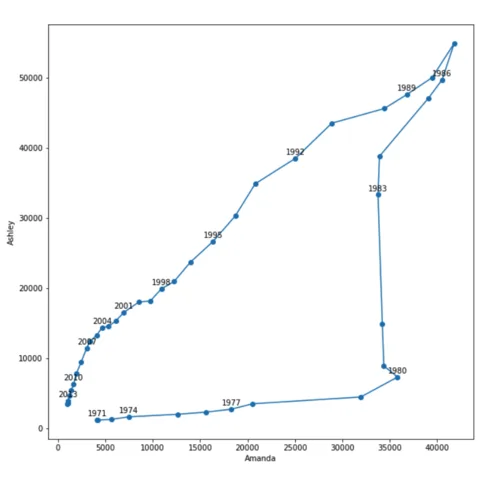
Connected scatterplot to show the evolution of 2 variables
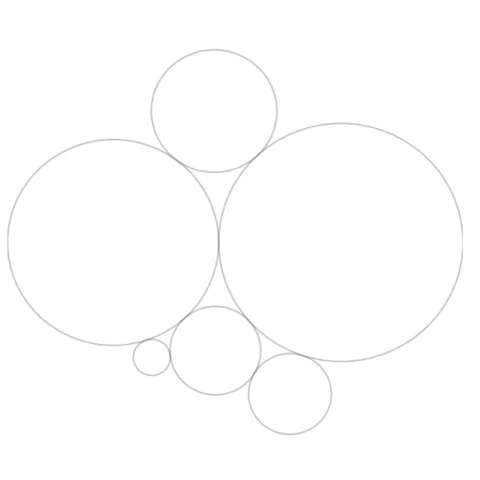
Most basic circle packing
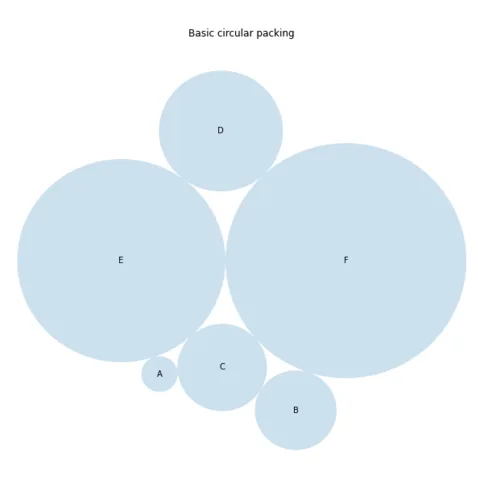
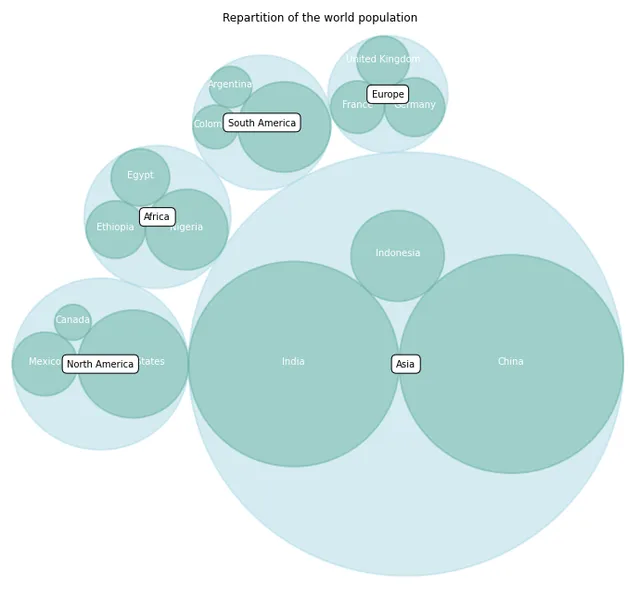
Add colors and labels
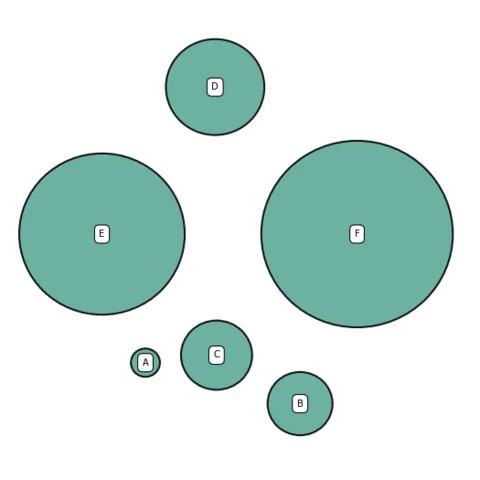
control space between bubbles
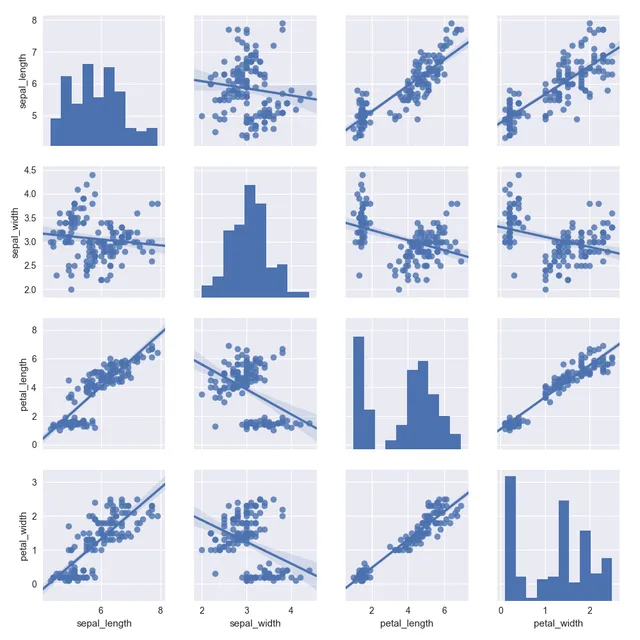
Correlogram with linear trend displayed on each scatterplot
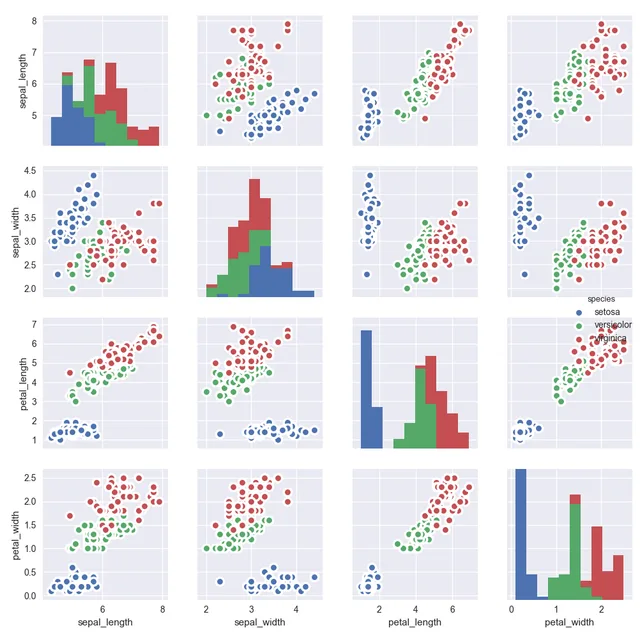
Apply colors to each group and customized the scatterplot
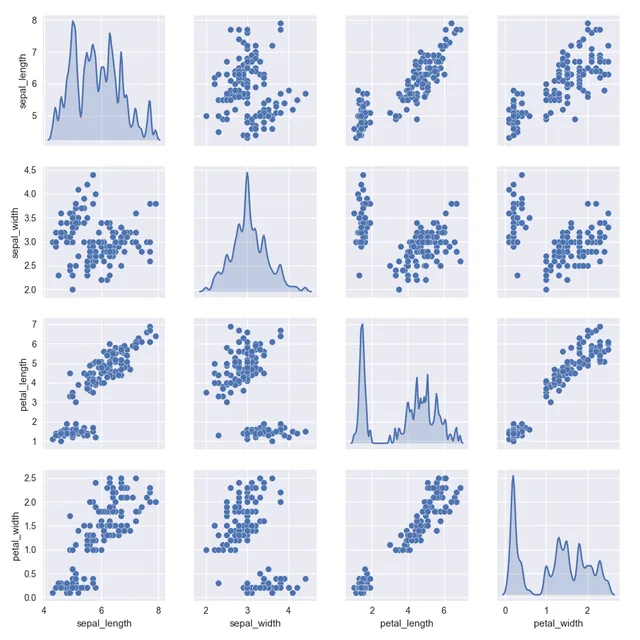
Customize the distributions displayed on the diagonal
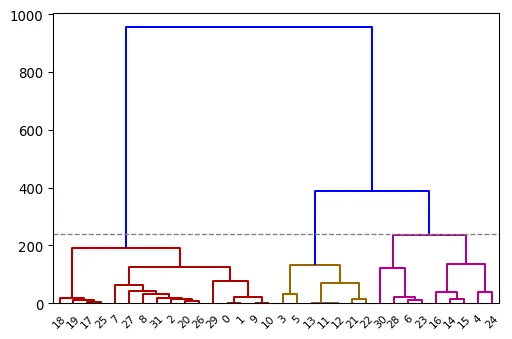
Most basic dendrogram and clustering with Python and Matplotlib
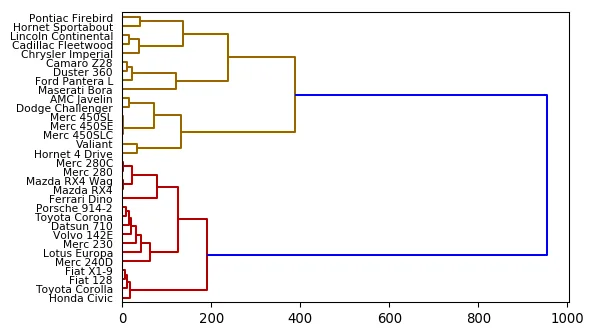
Horizontal dendrogram
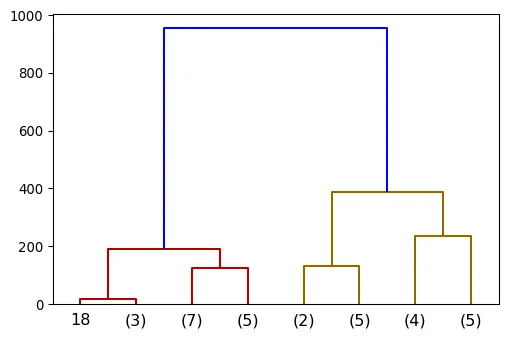
Cut the dendrogram at a specific height
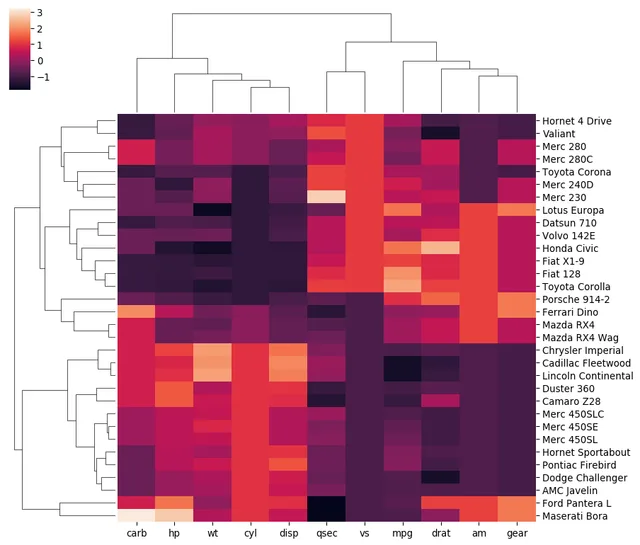
Most basic heatmap with dendrogram with seaborn
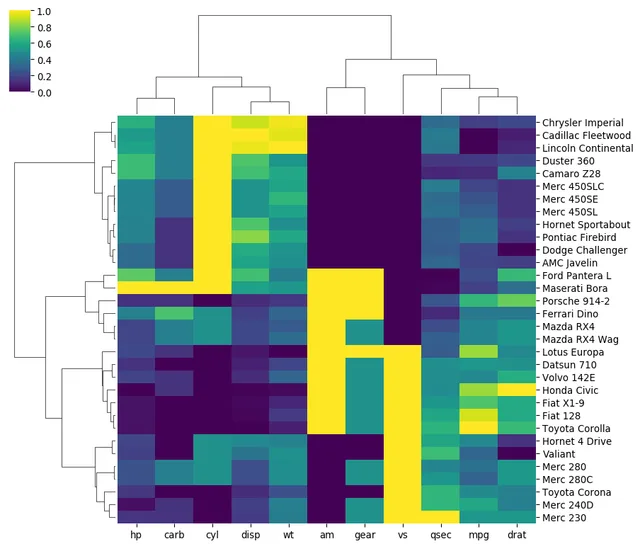
Change color palette
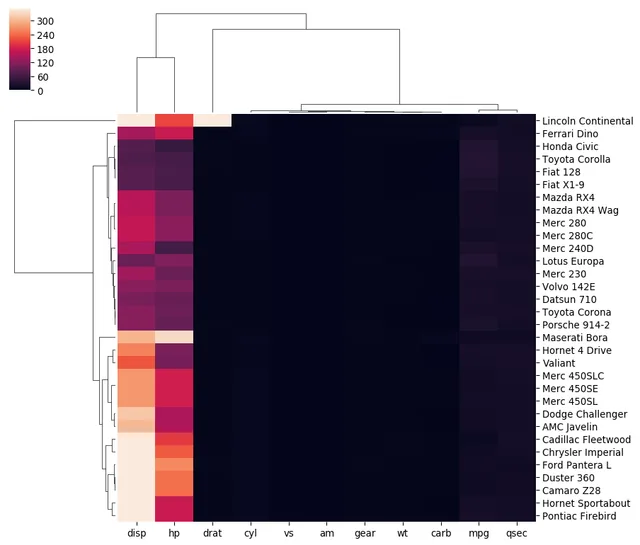
Learn how to normalize data in the heatmap, avoiding that kind of result
The most basic density plot one can make with python and seaborn
seaborn densty chart with filled area
vertical seaborn density chart
control density chart color
Changed the bandwidth used to compute the density
Density chart with several displayed groups
Mirror density chart to compare the distribution of 2 variables
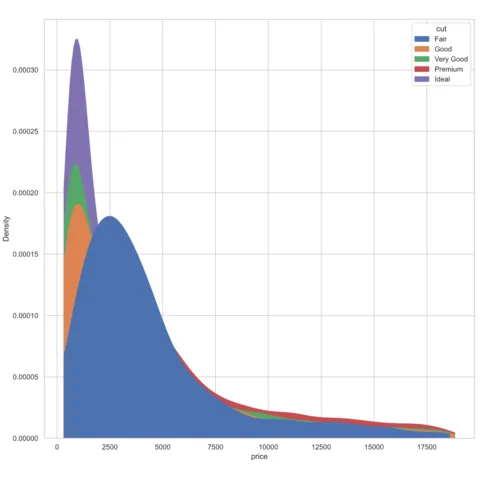
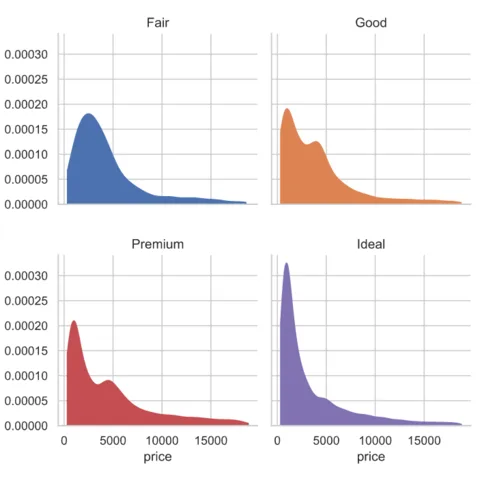
Density chart with multiple groups overlapped
Density chart with multiple groups overlapped
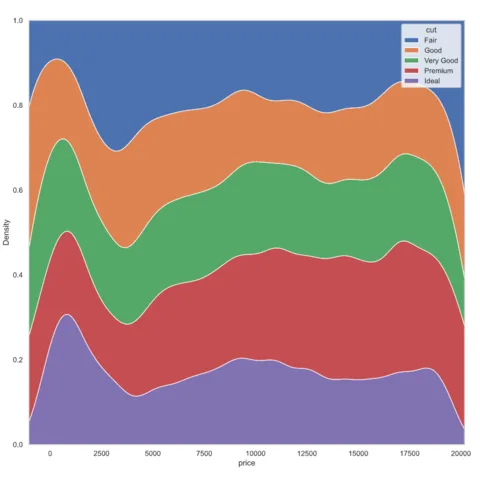
Density chart with multiple groups overlapped
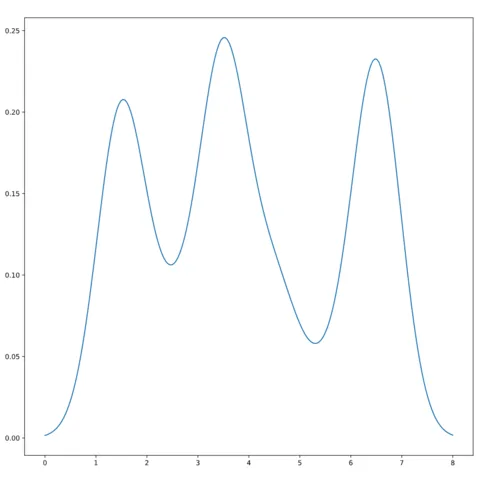
Basic density chart with python and matplotlib from a vector of data
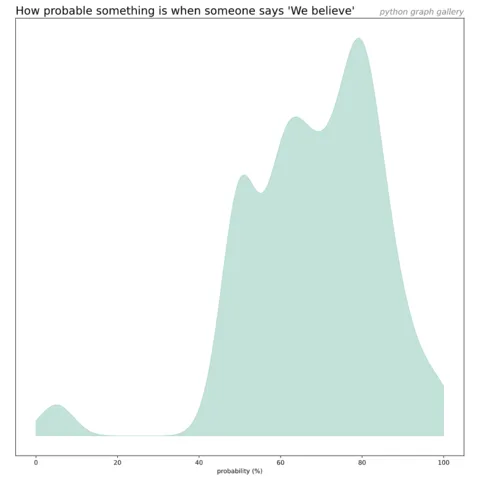
Read a csv file and plot the density of a column
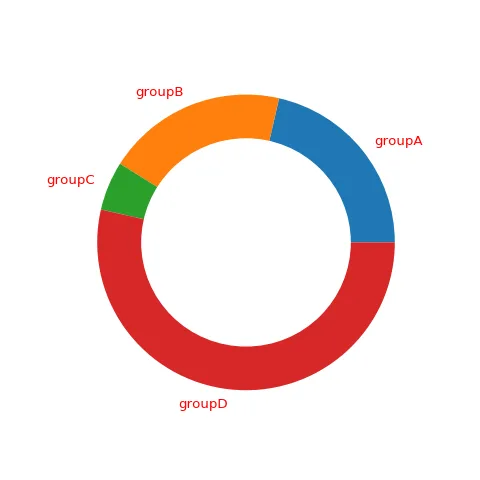
Add and customize the labels
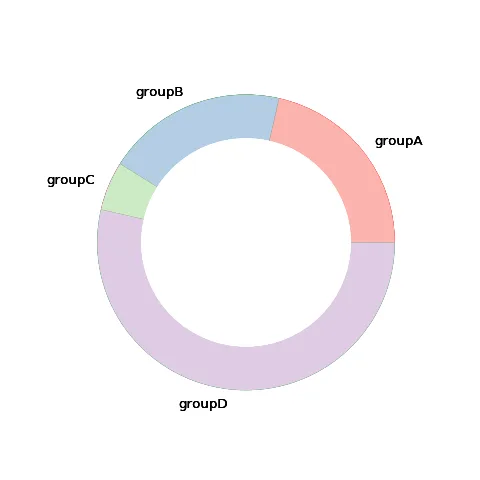
Customize the donut section colors
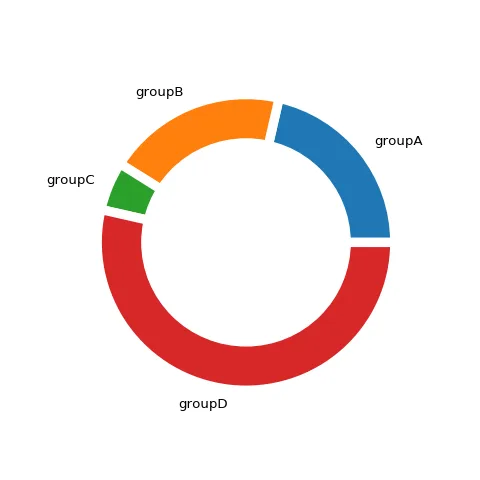
Add blank space between each donut section.
How to make the rectangle colors relative to their values.
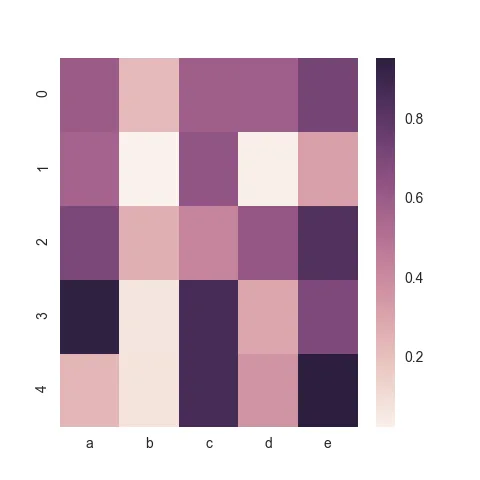
The heatmap() function and how to apply it to any kind of data input
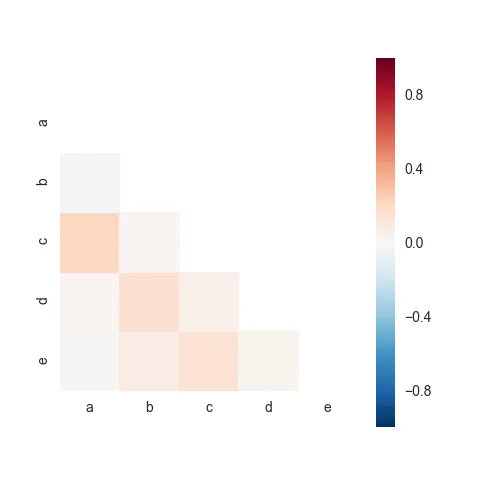
Plotting only one half of the heatmap
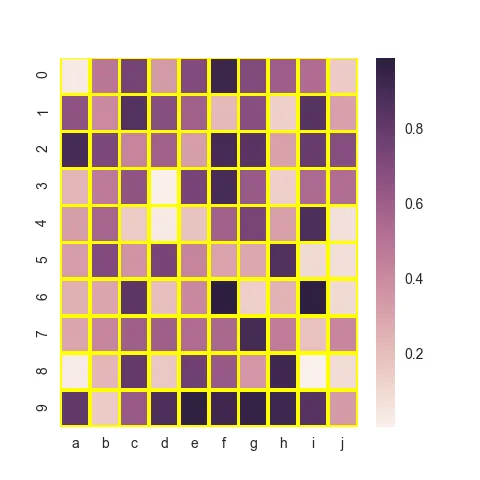
Seaborn heatmap customization: grid
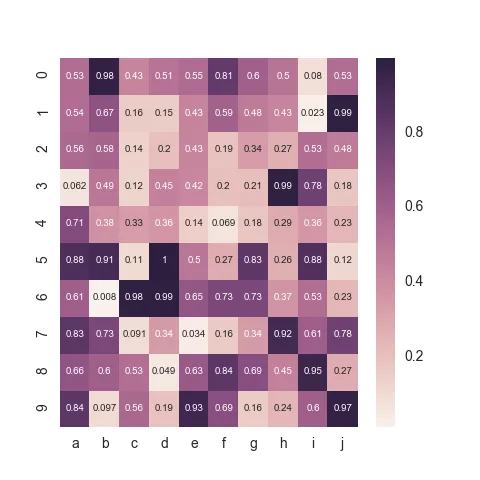
Seaborn heatmap customization: show numbers in cell
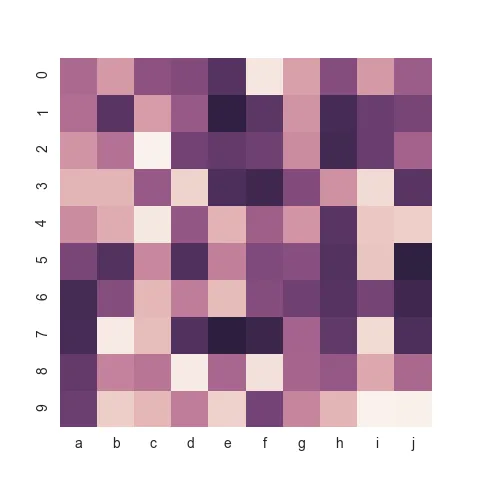
Seaborn heatmap customization: hide the color bar
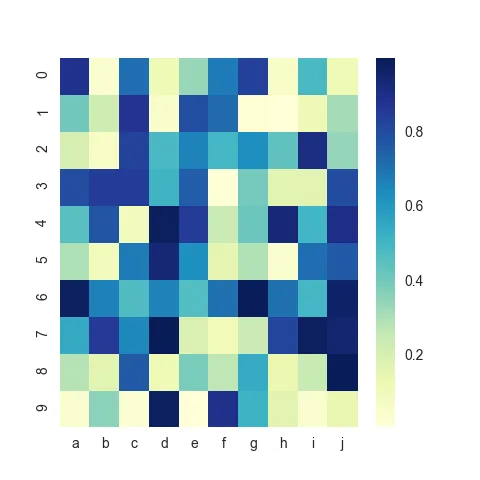
Color customization: how to select other color palettes and more
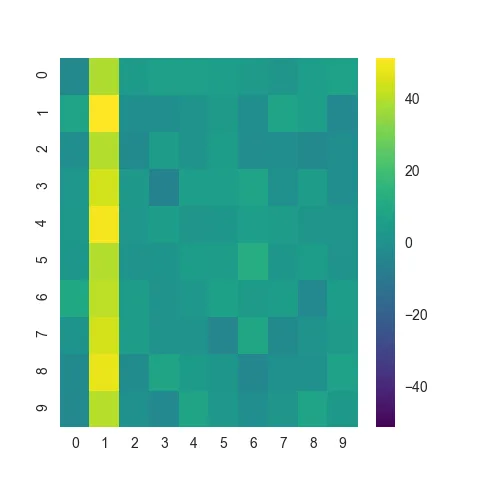
A heatmap that probably needs to be normalized.
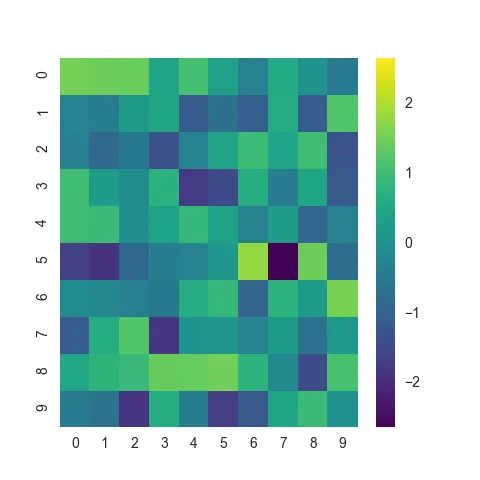
The exact same heatmap after normalization
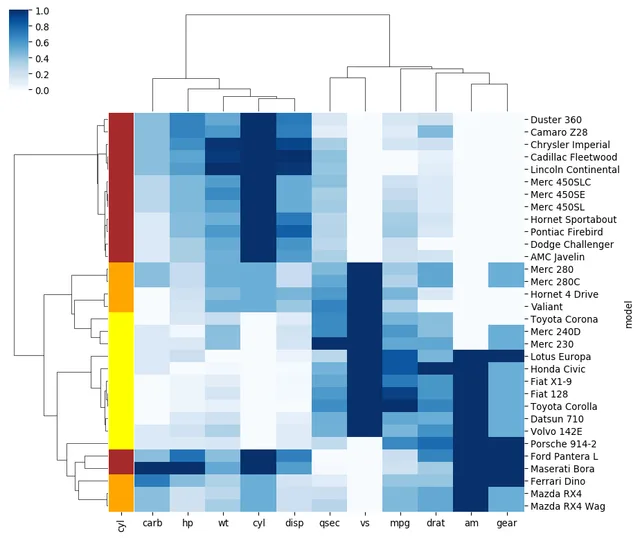
Most basic heatmap with dendrogram with seaborn
Change color palette
Learn how to normalize data in the heatmap, avoiding that kind of result
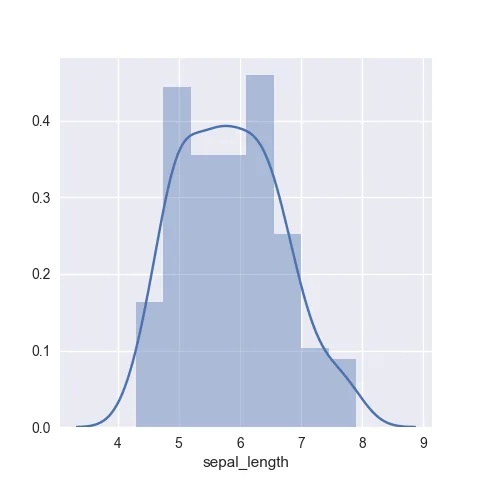
The most basic histogram with seaborn. It adds a density on top by default
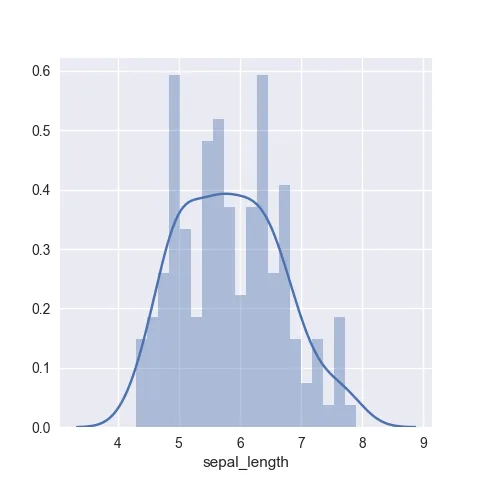
Play with the bin parameter to control the number of bars
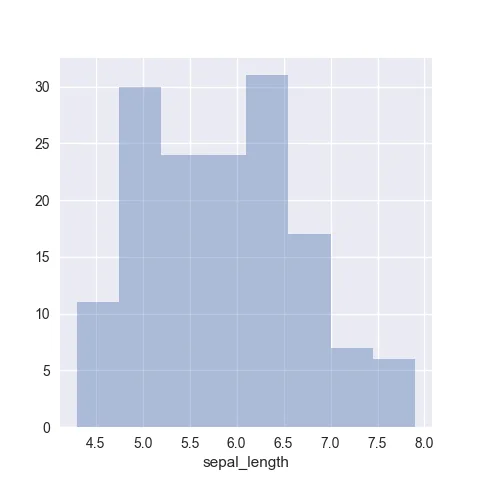
Remove the density chart on top of the seaborn histogram
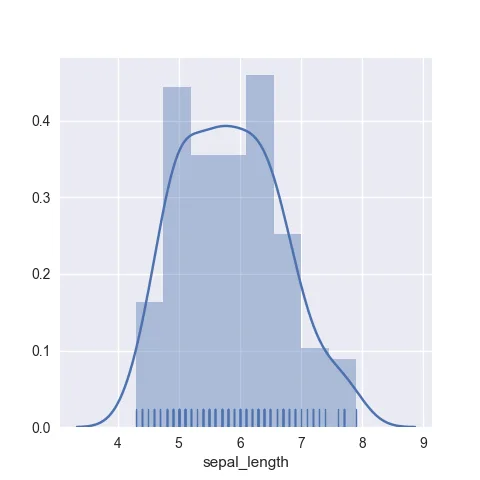
Add rug on top of the histogram
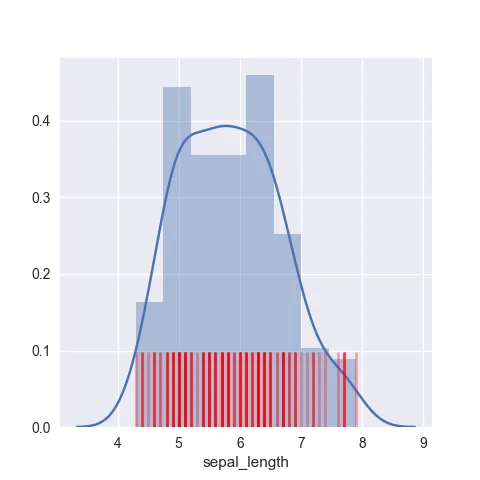
Customize the rug: color, size and more
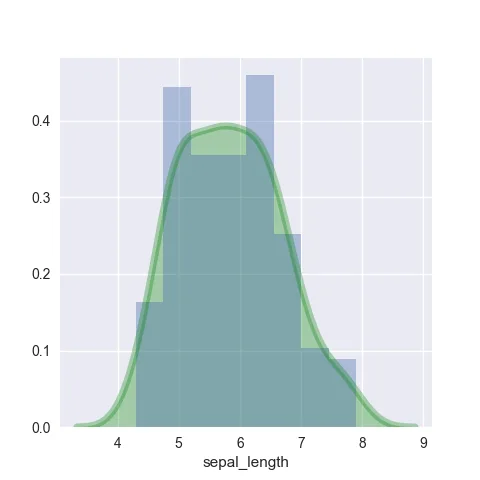
Customize the appearance of the density chart displayed on top of the histogram
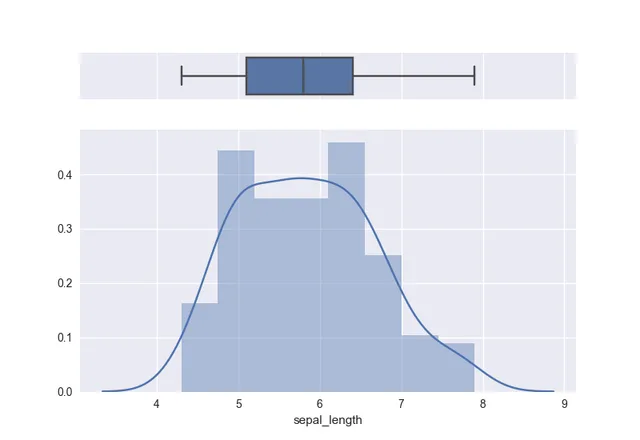
How to split the chart window to display a boxplot on top of the histogram
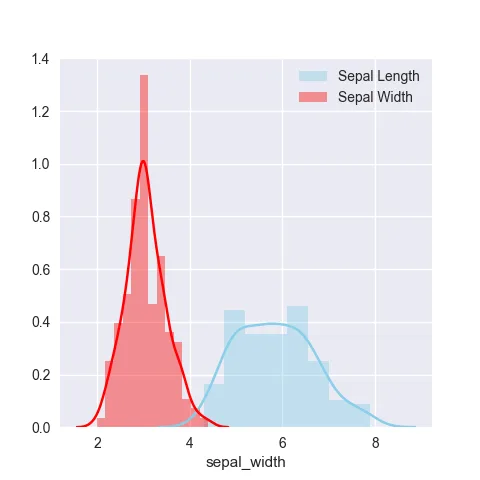
Compare the distribution of several groups on the same chart
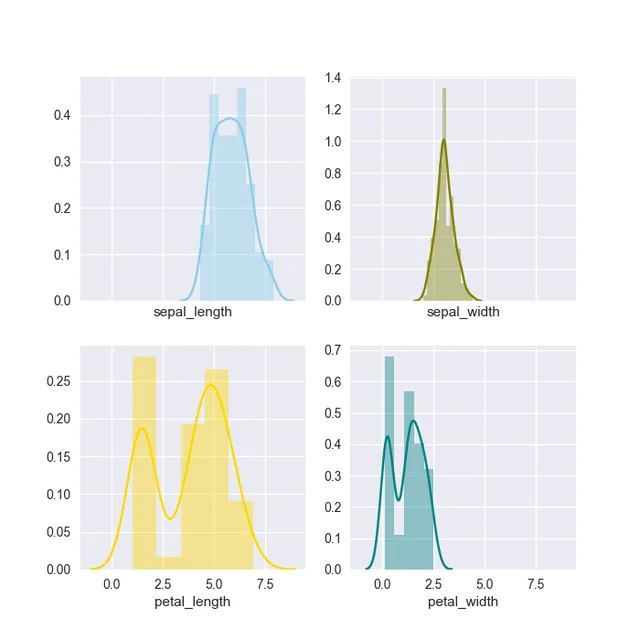
Use small multiple to compare the distribution of several groups
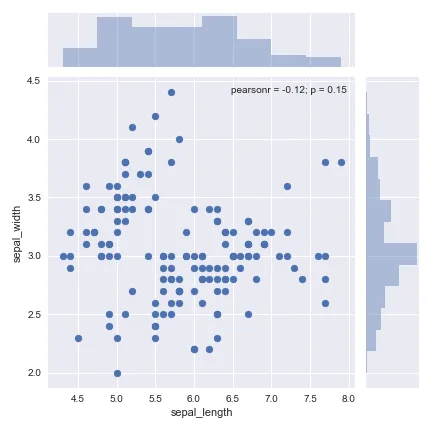
Histogram can be added around a scatterplot to show each variable distributions
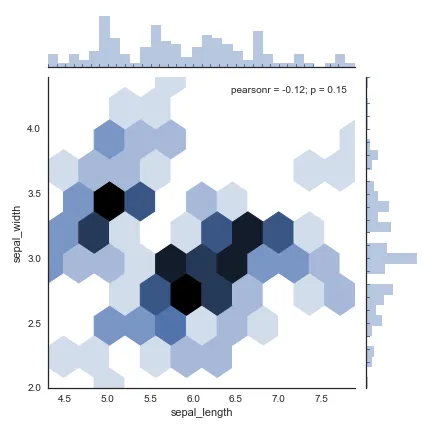
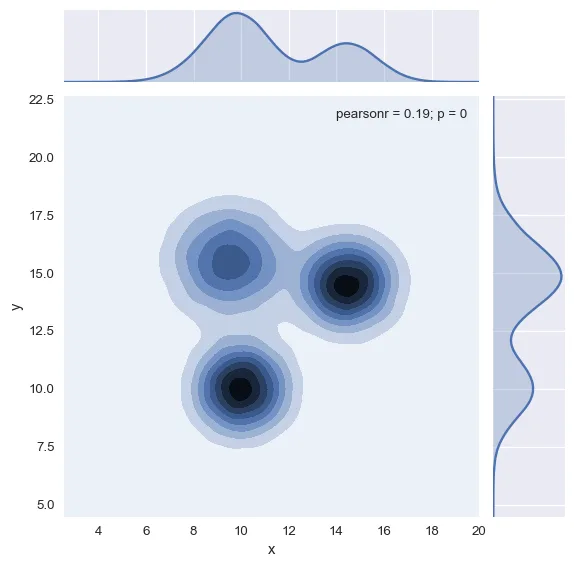
Histogram can be added around a 2d density chart to show x and y variable distributions
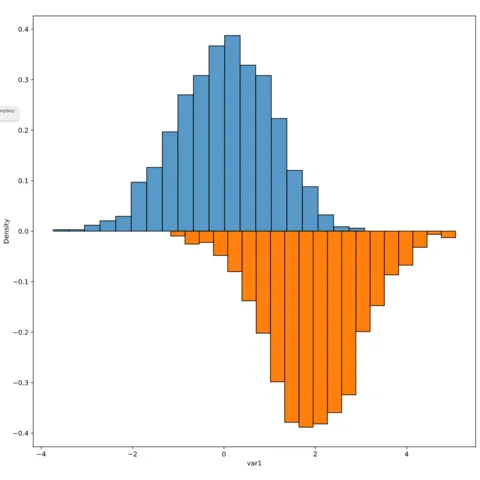
Mirror density chart to compare the distribution of 2 variables
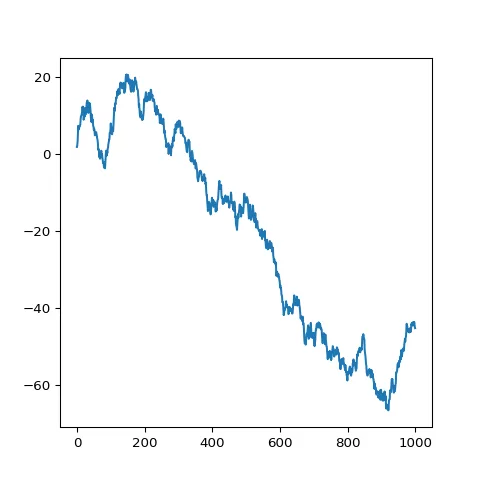
How to build a basic line chart with python from any kind of input format
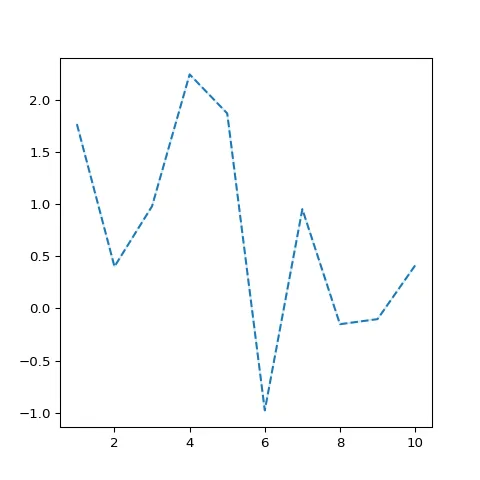
How to customize the matplotlib line plot appearance: width, stroke, color, style..
Line chart with multiple groups
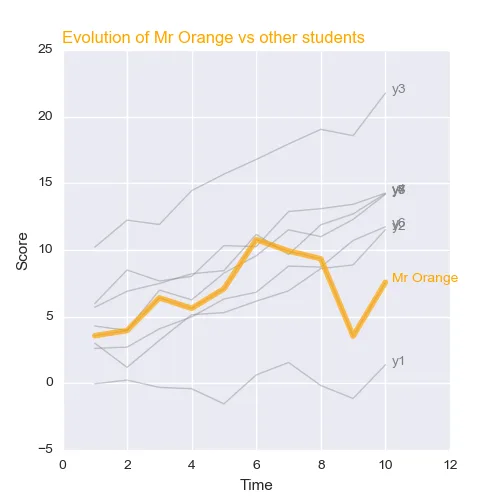
How to customize the matplotlib line plot appearance: width, stroke, color, style..
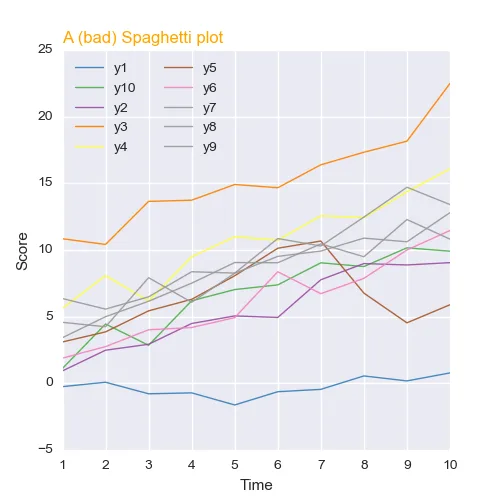
Line chart with multiple groups
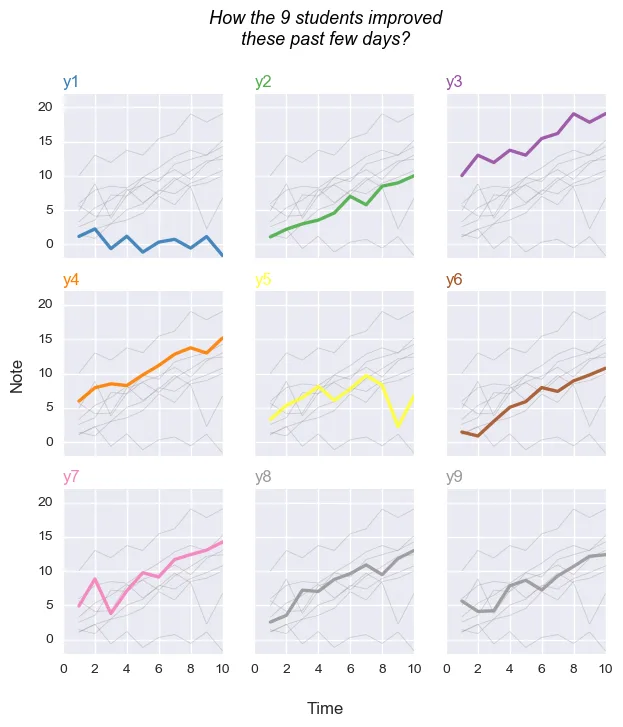
Line chart and small multiple
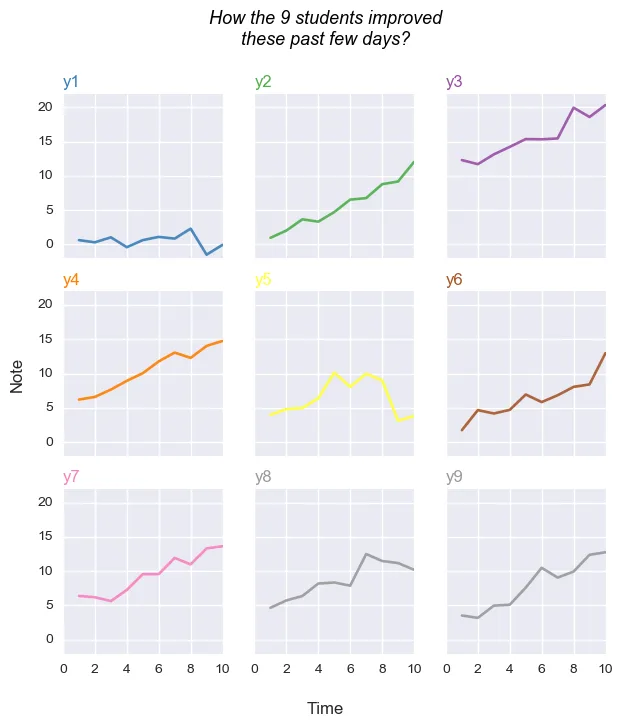
Line chart and small multiple (variation)
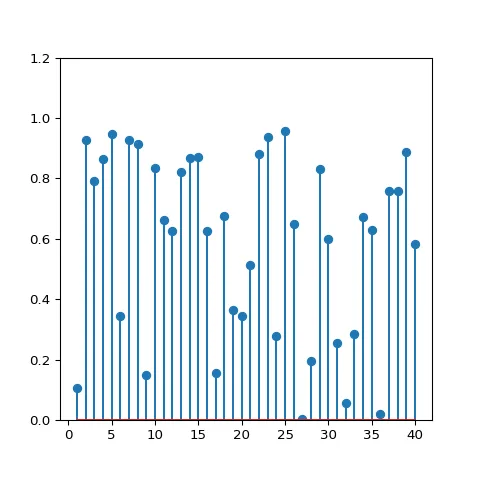
Most basic lollipop. Will get you started with any kind of input format
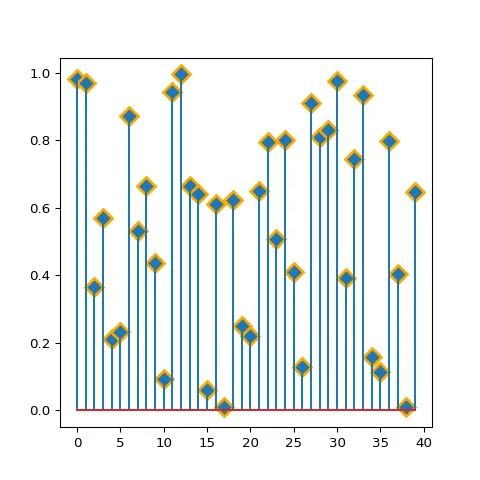
Basic circle customizations: shape, size, color and more.
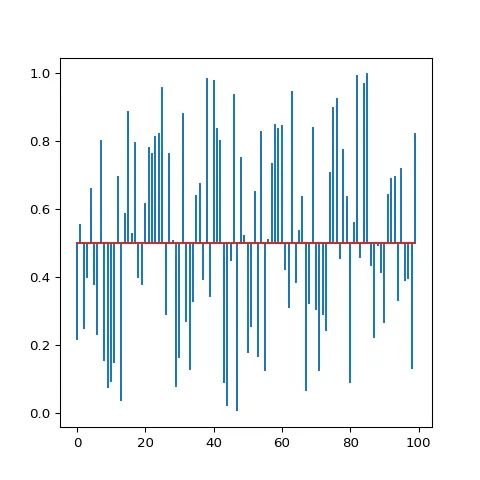
Change lollipop baseline position.
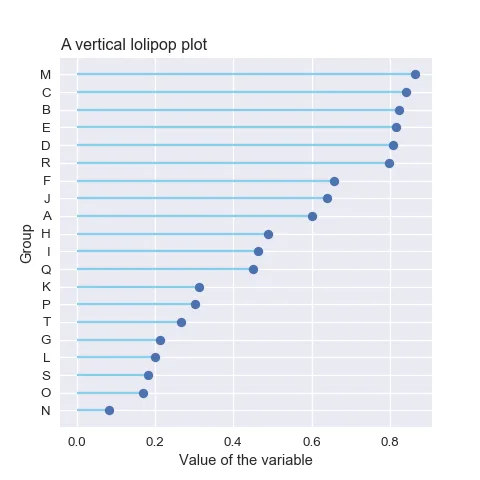
Horizontal lollipop chart (more readable labels).
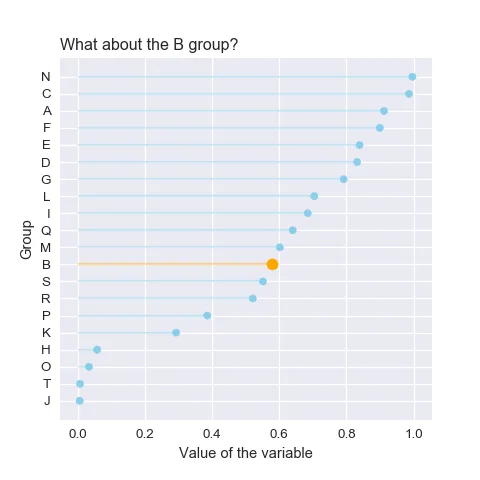
Highlight some specific groups in a lollipop.
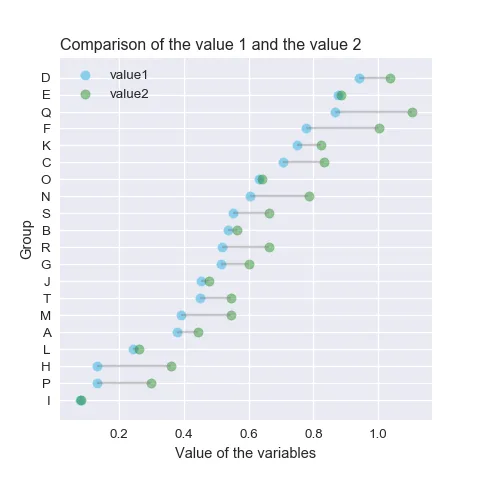
Cleveland chart: a lollipop chart with 2 subgroups displayed under each row.
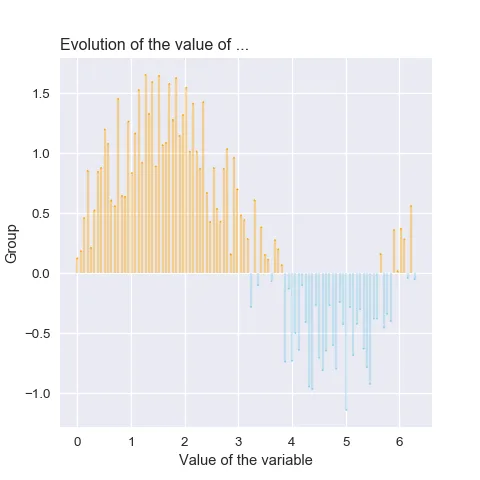
Lollipop chart with conditional colors.
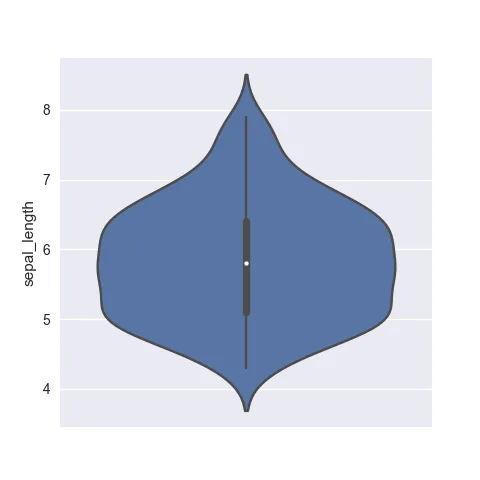
How to build a very basic violin. Shows example based on different input formats.
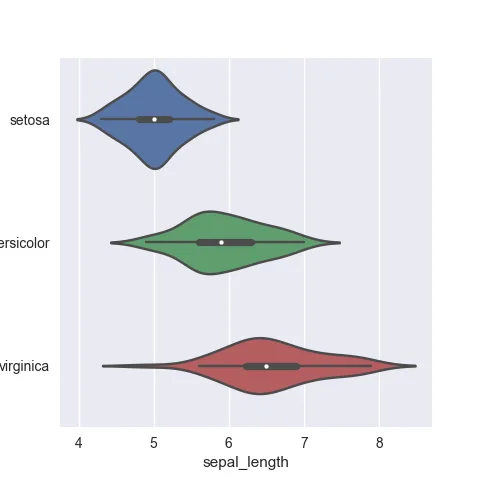
Make your violin chart horizontal to make labels more readable
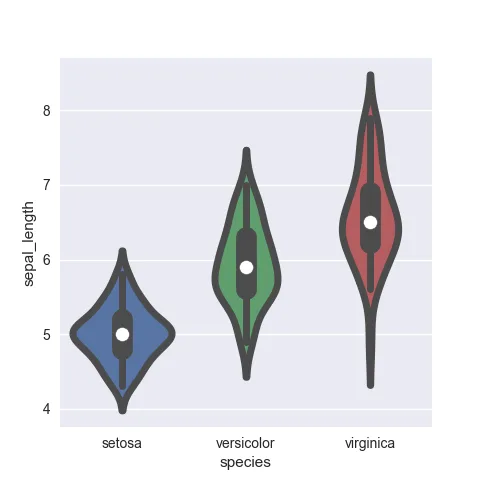
Chart appearance: control violin width, stroke width and more
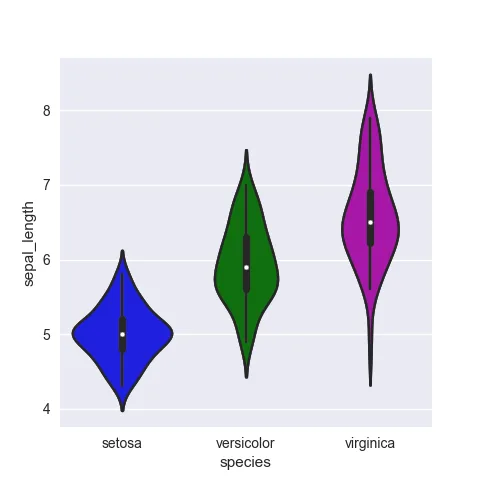
How to manage colors on a python violin plot
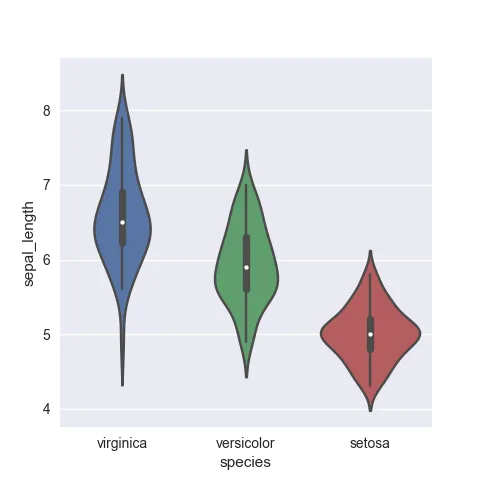
Control the groups order, very useful if you want to display them by increasing mean
If you have both groups and subgroups, you'll be interested in a grouped violin plot
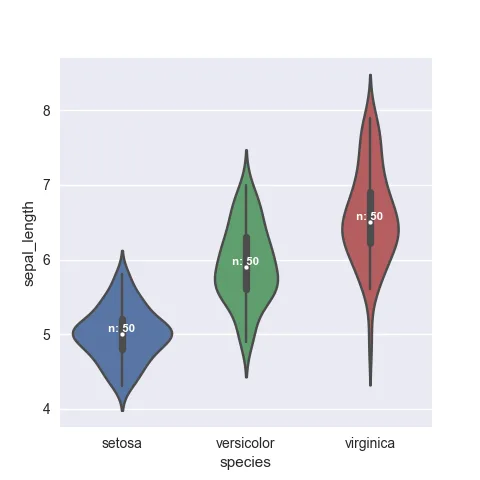
Show the number of observations per group
If you have both groups and subgroups, you'll be interested in a grouped violin plot
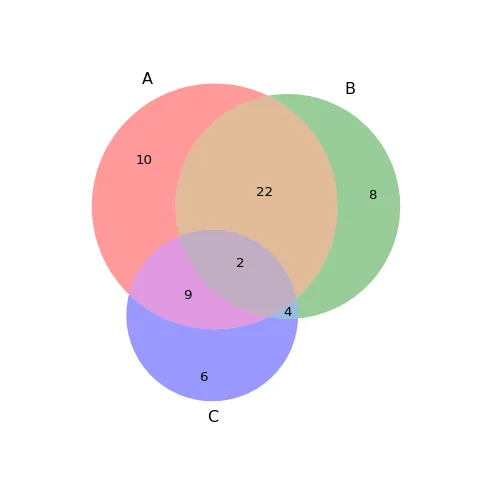
Venn Diagram with 3 sets.
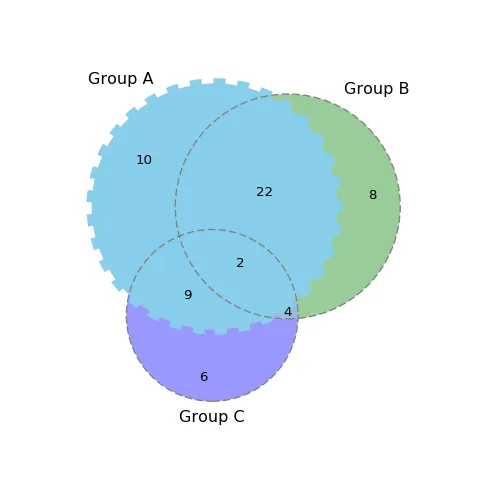
Customize Venn Diagram: circles, lables and more.
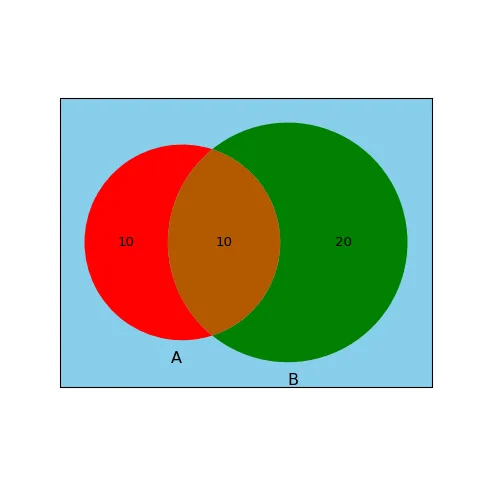
Change Venn diagram background color.
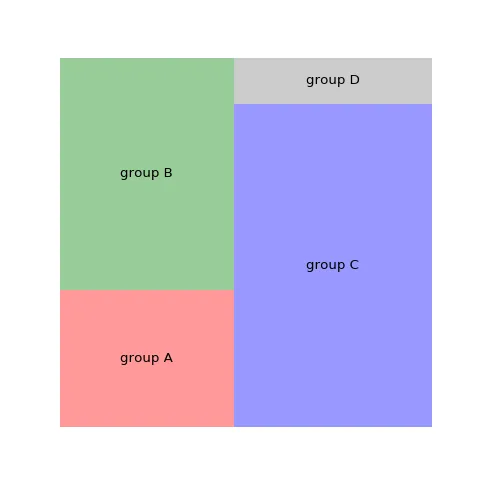
How to control the color of your treemap
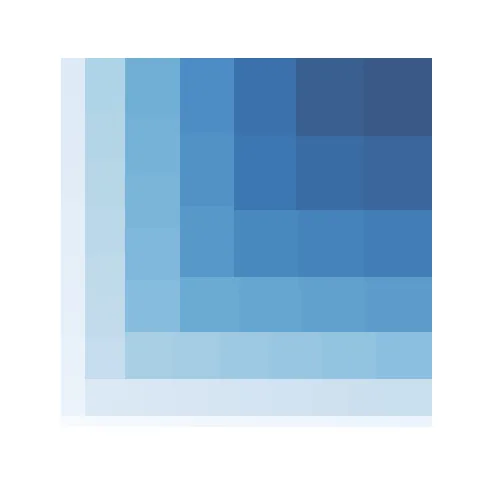
How to make the rectangle colors relative to their values.
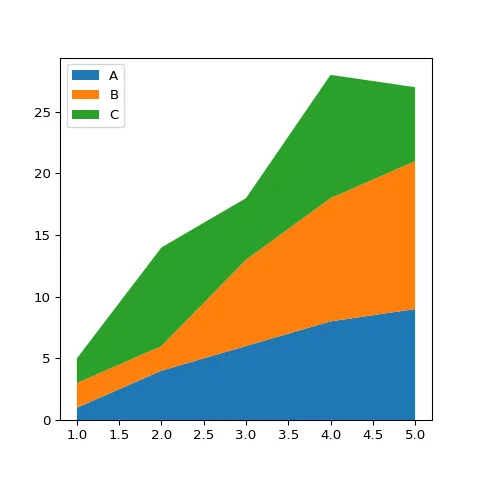
Most basic stacked area chart
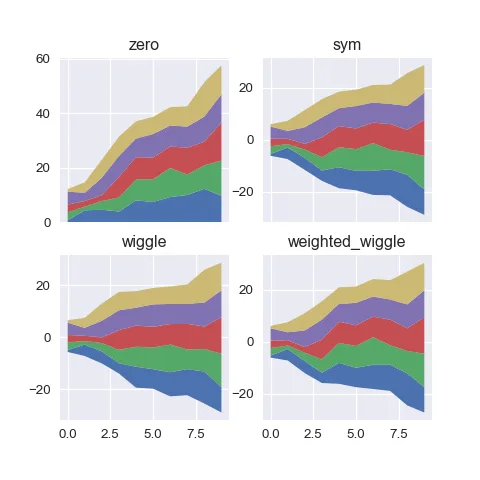
Most basic stacked area chart
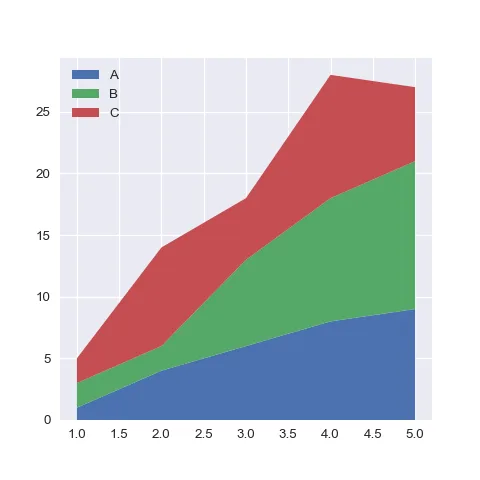
Apply seaborn style on the matplotlib stacked area chart
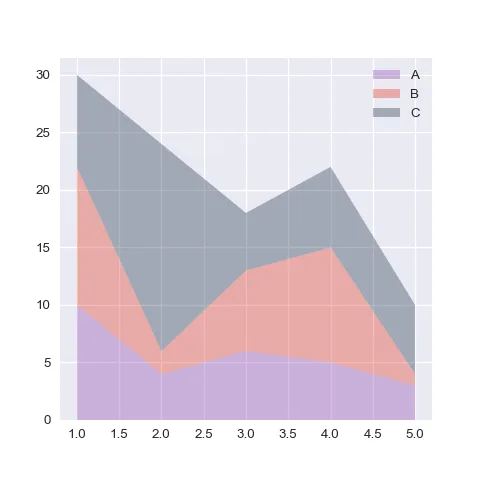
Control area colors
Area chart and small multiple
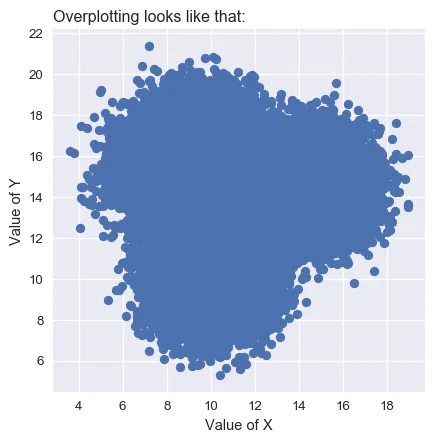
Basic boxplot. You can quickly read the median, quartiles and outliers of each group.
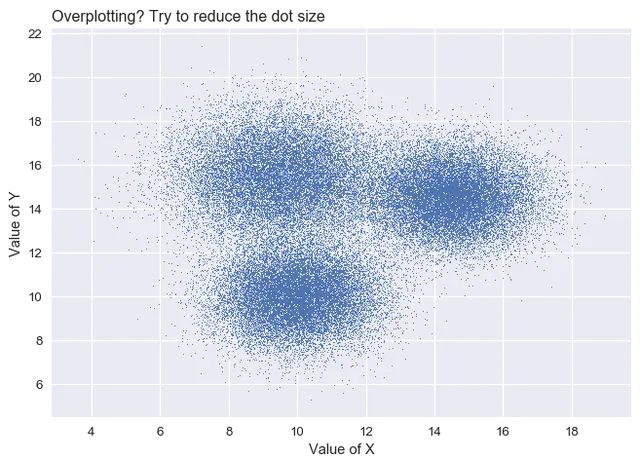
If you add individual points with jitter, a bimodal distribution appears for group B
If you have a very large dataset, the violin plot is a better alternative than jittering
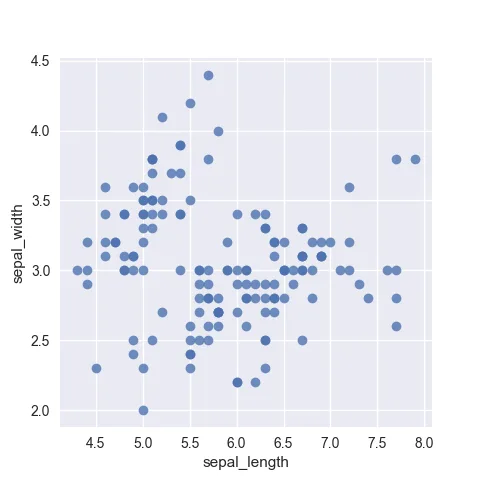
Most basic scatterplot with seaborn
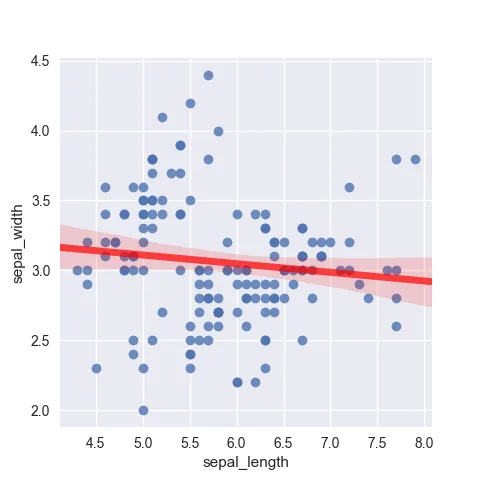
Add a regression thanks to the fit_reg parameter
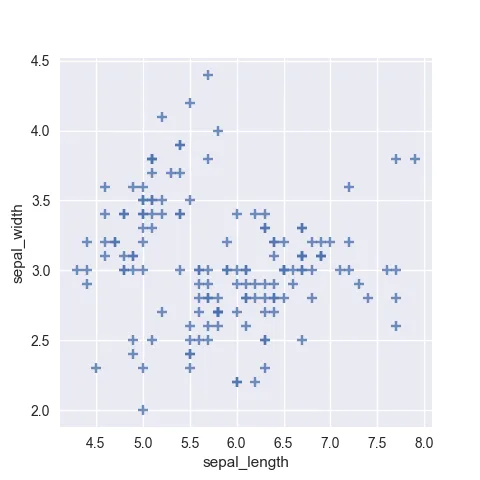
Customize markers: color, size, opacity, type and more
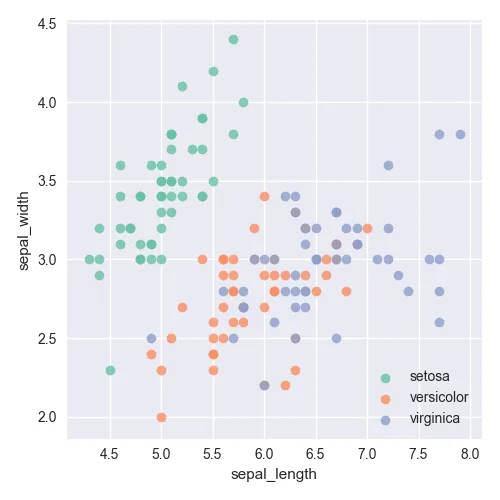
Color dots according to a group
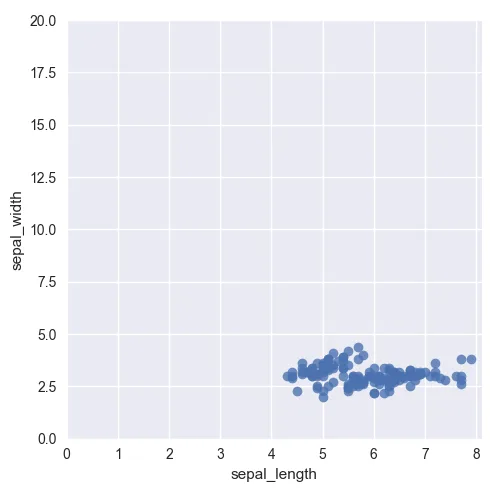
Control X and Y axes limits
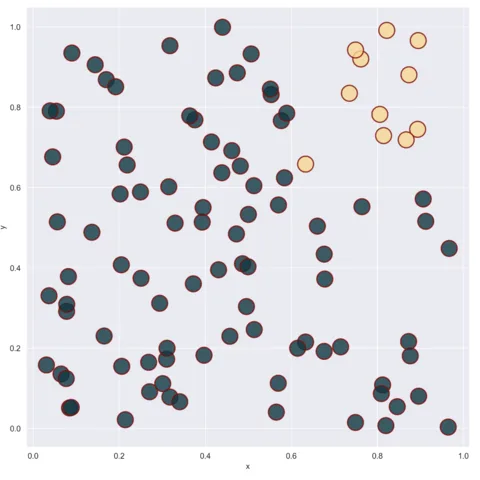
Control the marker's color according to their coordinates
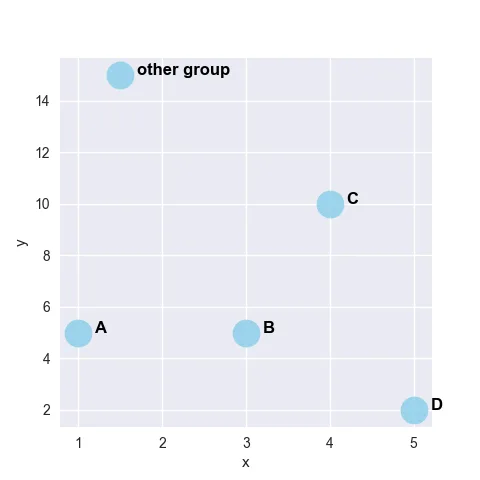
Add labels manually on your scatterplot
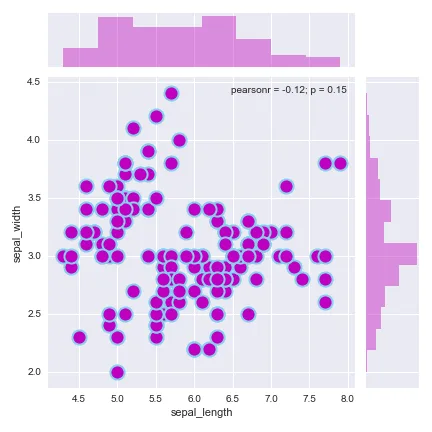
Scatterplot with marginal distributions
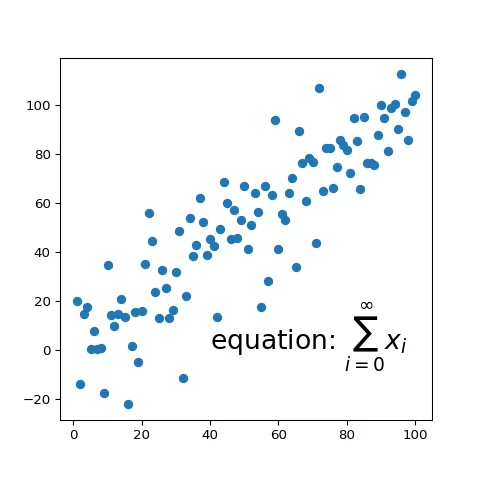
Display a math equation on your matplotlib chart
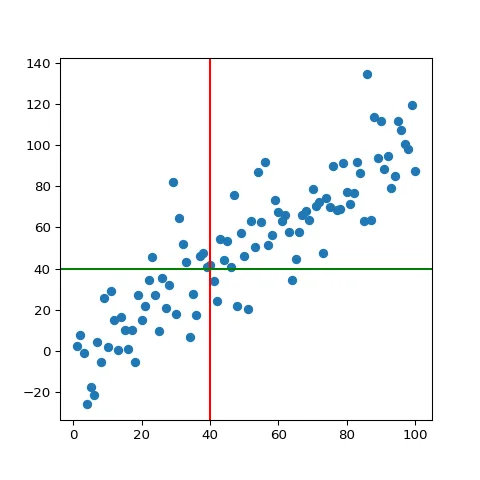
Matplotlib: add horizontal and vertical ablines
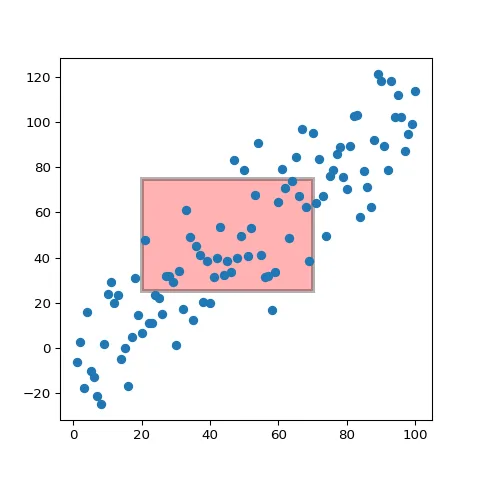
Highlight a specific area of the chart with Matplotlib
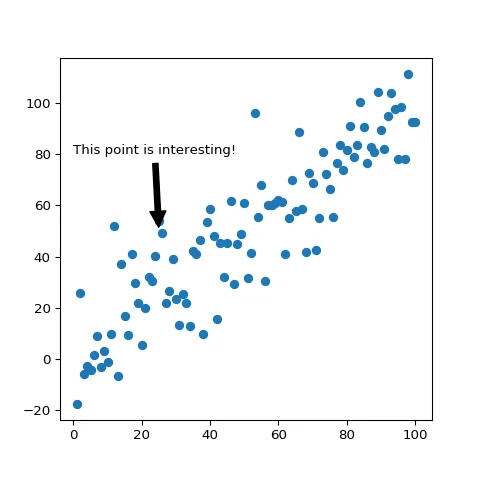
Add an annotation to highlight a specific marker
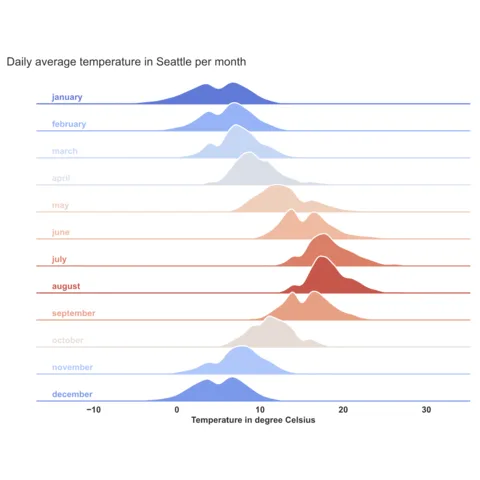
Ridgeline chart with python, matplotlib and seaborn.
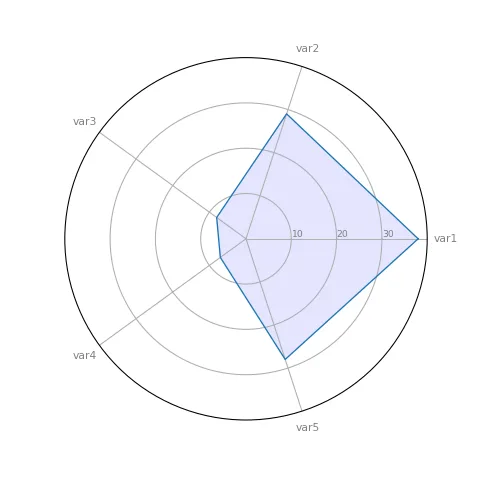
Most basic radar chart with python.
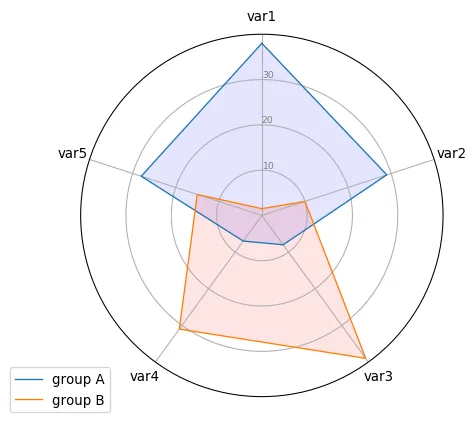
Radar chart with several displayed values
Build a correlogram with the pairplot function
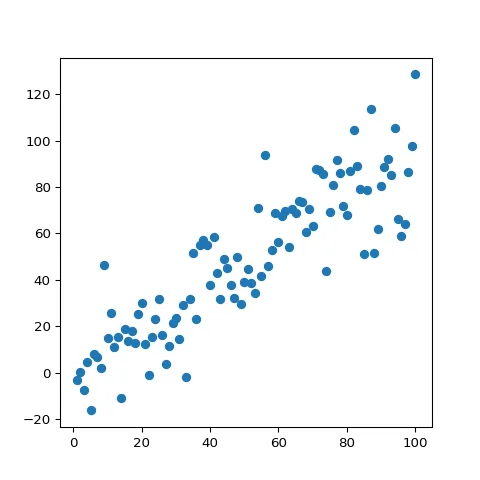
Most basic scatterplot with Matplotlib
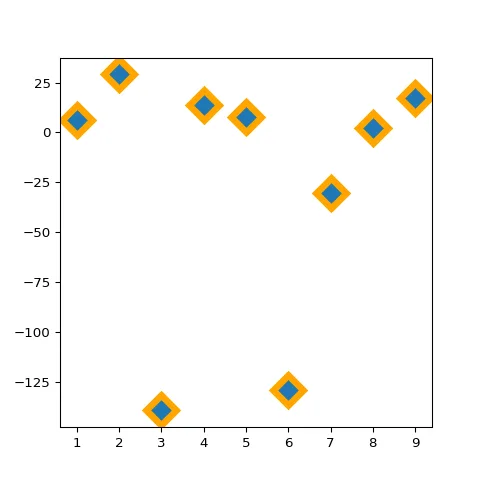
Customize marker features: size, color, stroke, type and more
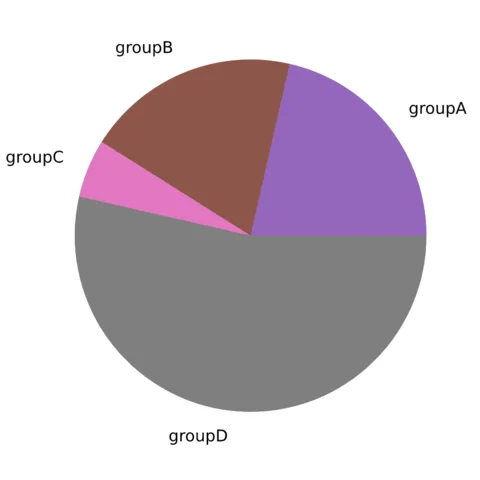
Add and customize the labels
Customize the pie section colors
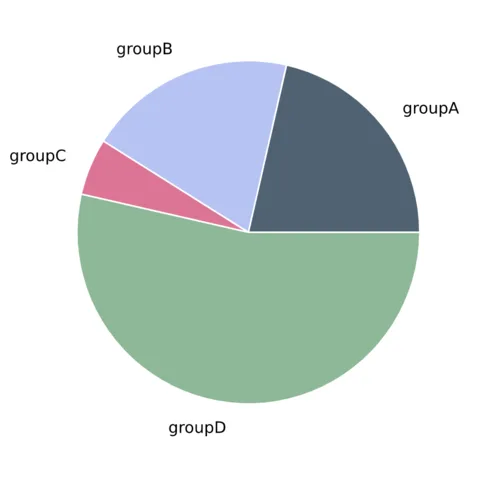
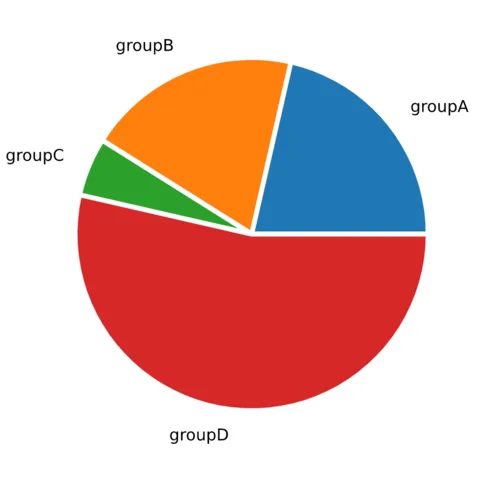
Add blank space between each pie section.
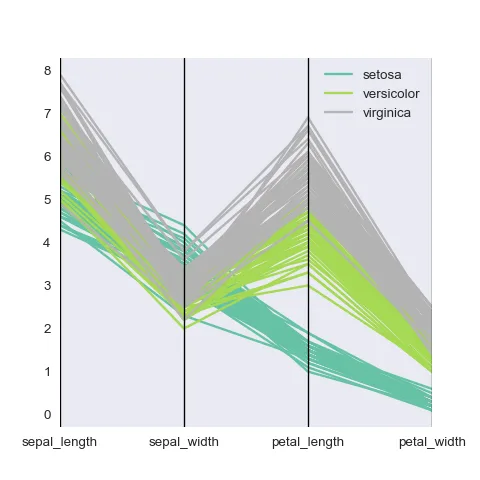
Basic parallel coordinate char
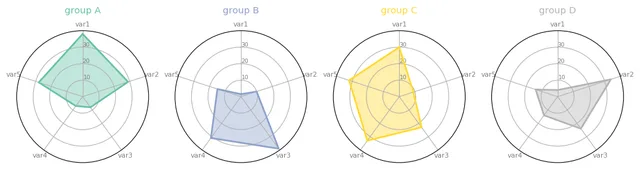
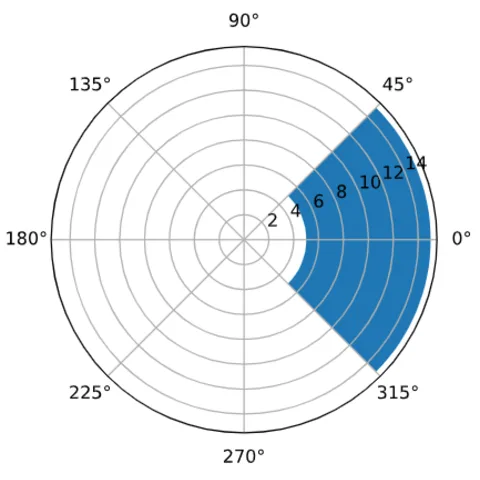
A polar chart with small multiple to compare 4 groups
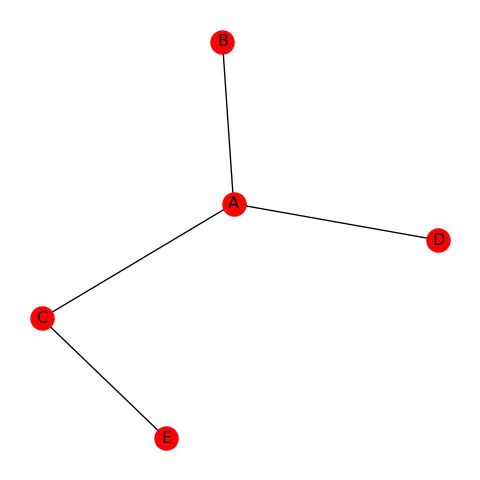
Most basic network chart with Python and NetworkX
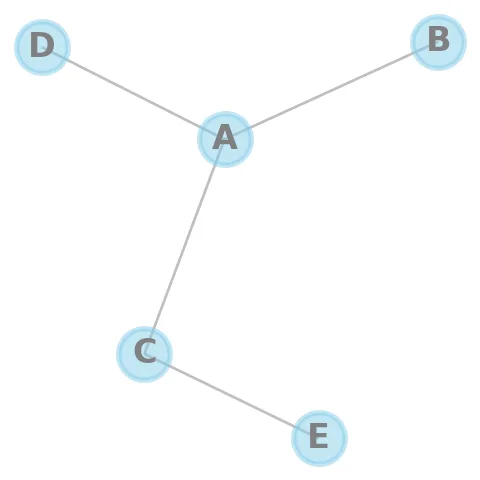
Custom network appearance: color, shape, size, links
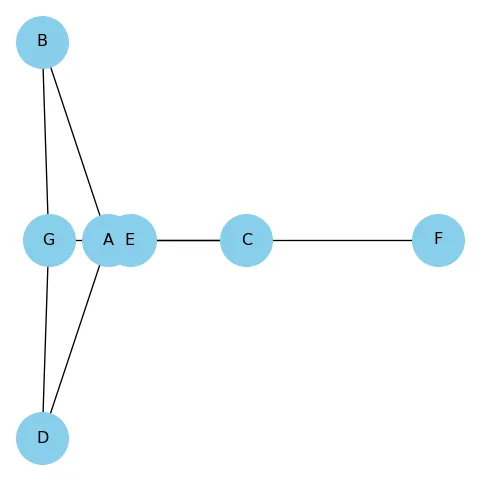
Control the layout used for the node location
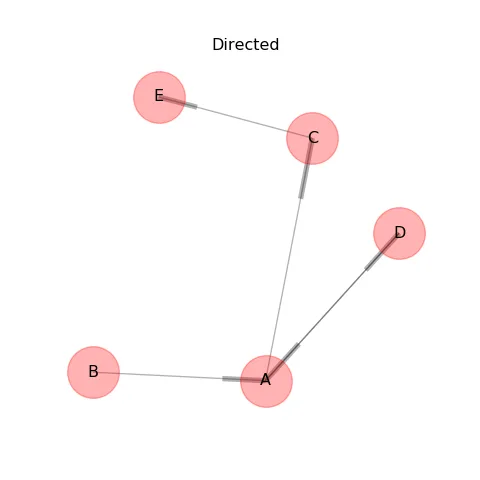
Manage directed and undirected networks by adding arrows
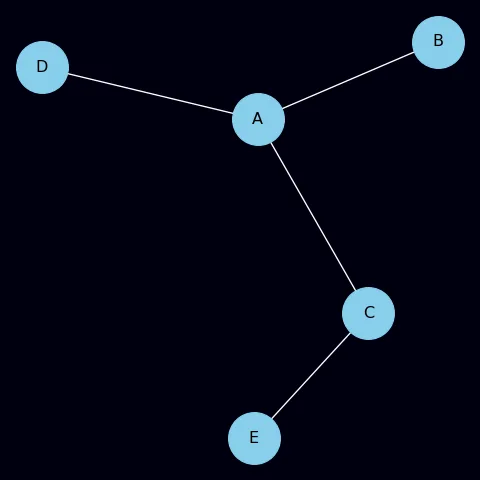
Control the background color of a network chart
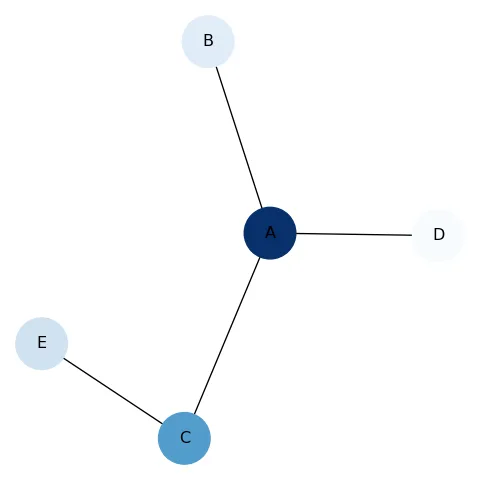
Map a continuous or categoric variable to nodes
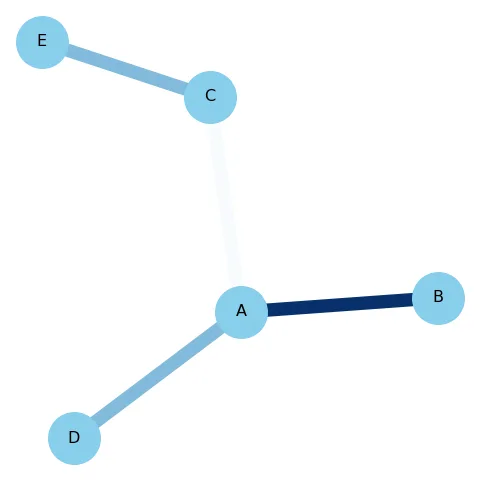
Map a color to edges
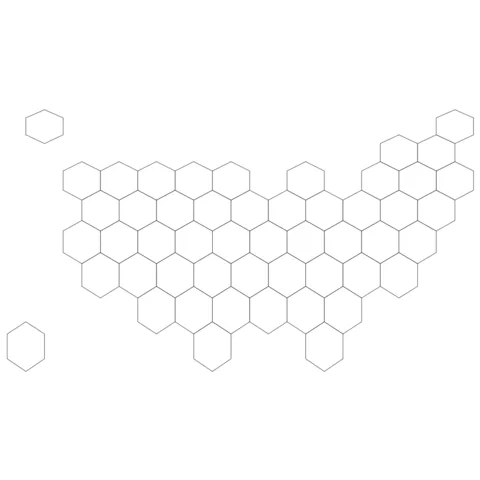
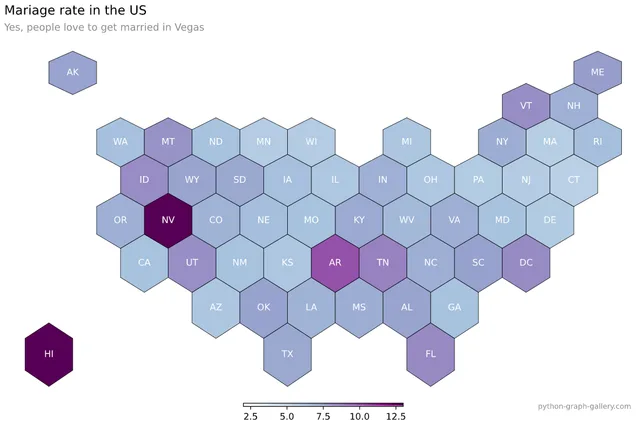
Most basic hexbin map from geoJson with python.
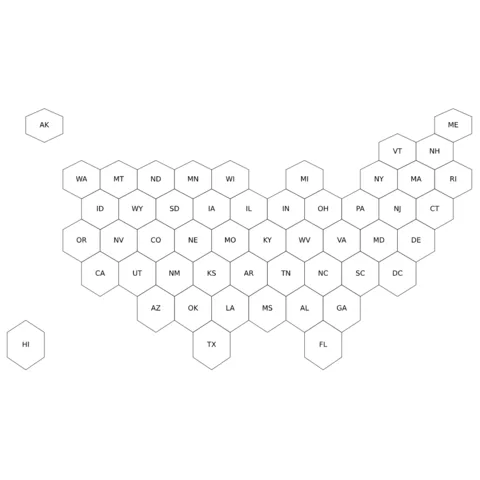
Compute polygon centroid to add labels.
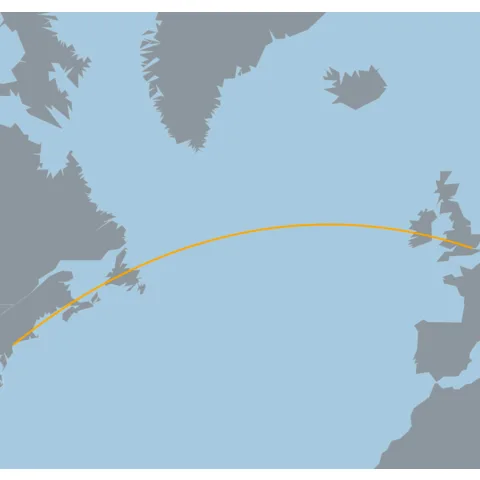
Most basic connection map with Python and Basemap.
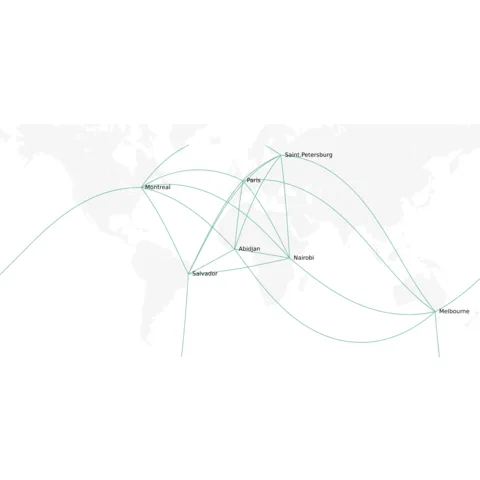
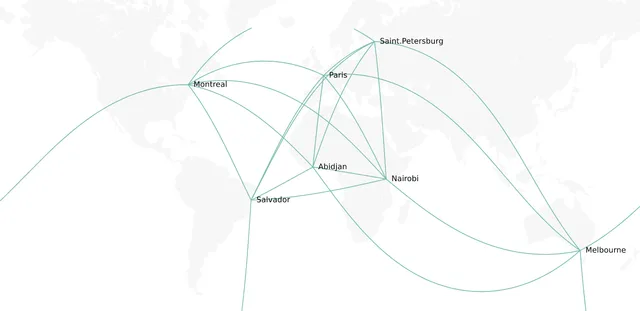
Show connection between a few cities with great circles.

💡 Out of dataviz inspiration?
I have spent years collecting the most beautiful data visualizations out there. Get the list of my top 300 dataviz projects, hand-picked, for free.
I respect your privacy. Unsubscribe anytime.