Libraries
First, we need to import a few libraries:
- matplotlib: for plotting
- seaborn: for making the plots prettier
import matplotlib.pyplot as plt
import seaborn as snsDataset
The dataset that we will use is the iris dataset that we can load using seaborn.
df = sns.load_dataset('iris')Plot multiple elements
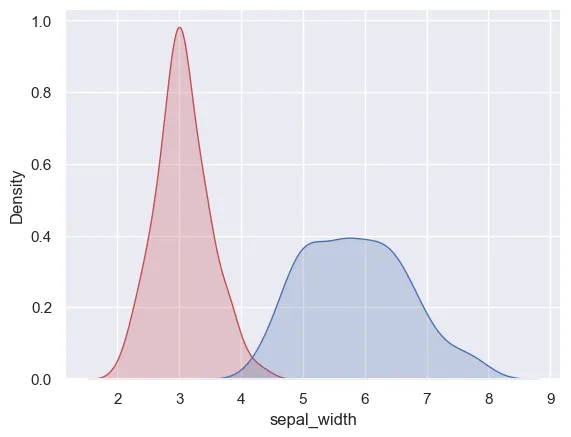
With seaborn, we just have to call the kdeplot() function again to add another element to the plot.
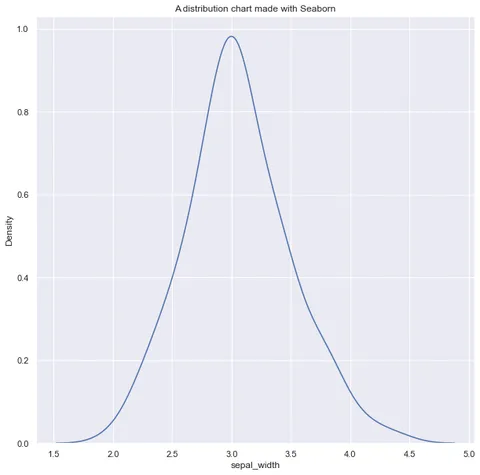
Here's how it looks:
sns.set_theme(style="darkgrid")
sns.kdeplot(df['sepal_width'], fill=True, color="r")
sns.kdeplot(df['sepal_length'], fill=True, color="b")
plt.show()Going further
This post explains how to plot multiple variables in a density plot with seaborn.
You might be interested in how to flip a density plot and creating a mirrored density plot.