Libraries
First, we need to load a few libraries:
- matplotlib: for creating/styling the plot
- pandas: for data manipulation
numpyfor data generation
import matplotlib.pyplot as plt
import pandas as pd
import numpy as npCustom Line Color
To custom color, just use the color argument!
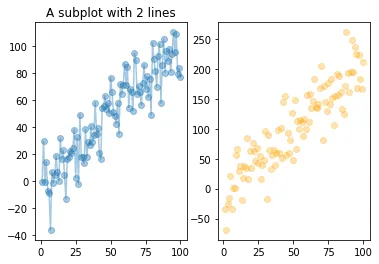
Note that you can add transparency to the color with the alpha argument (0=transparent, 1=opaque).
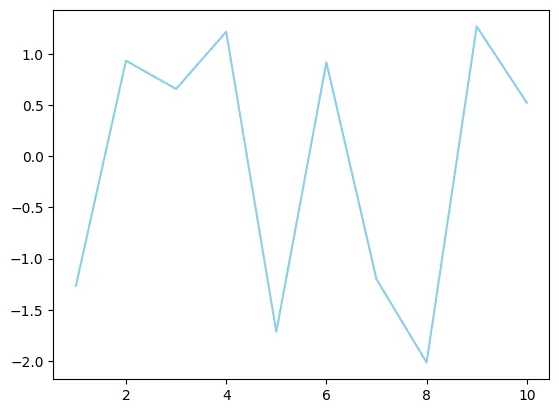
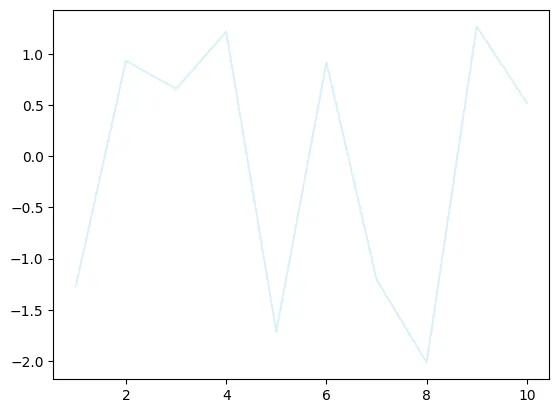
df=pd.DataFrame({'x_values': range(1,11), 'y_values': np.random.randn(10) })

# Draw plot
plt.plot( 'x_values', 'y_values', data=df, color='skyblue')
plt.show()

# Draw line chart by modifiying transparency of the line
plt.plot( 'x_values', 'y_values', data=df, color='skyblue', alpha=0.3)

# Show plot
plt.show()Custom Line Style
You can choose between different line styles with the linestyle argument.
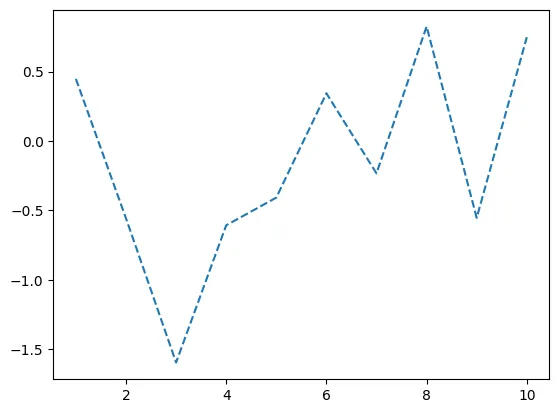
df = pd.DataFrame({'x_values': range(1,11), 'y_values': np.random.randn(10) })

# Draw line chart with dashed line
plt.plot( 'x_values', 'y_values', data=df, linestyle='dashed')

# Show graph
plt.show()The following examples show different types of line styles.
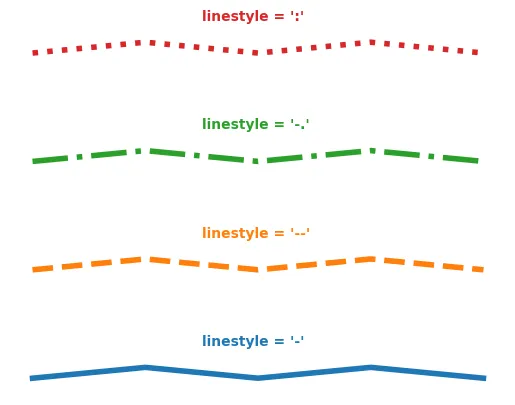
plt.plot( [1,1.1,1,1.1,1], linestyle='-' , linewidth=4)
plt.text(1.5, 1.3, "linestyle = '-' ", horizontalalignment='left', size='medium', color='C0', weight='semibold')
plt.plot( [2,2.1,2,2.1,2], linestyle='--' , linewidth=4 )
plt.text(1.5, 2.3, "linestyle = '--' ", horizontalalignment='left', size='medium', color='C1', weight='semibold')
plt.plot( [3,3.1,3,3.1,3], linestyle='-.' , linewidth=4 )
plt.text(1.5, 3.3, "linestyle = '-.' ", horizontalalignment='left', size='medium', color='C2', weight='semibold')
plt.plot( [4,4.1,4,4.1,4], linestyle=':' , linewidth=4 )
plt.text(1.5, 4.3, "linestyle = ':' ", horizontalalignment='left', size='medium', color='C3', weight='semibold')
plt.axis('off')
plt.show()Custom Line Width
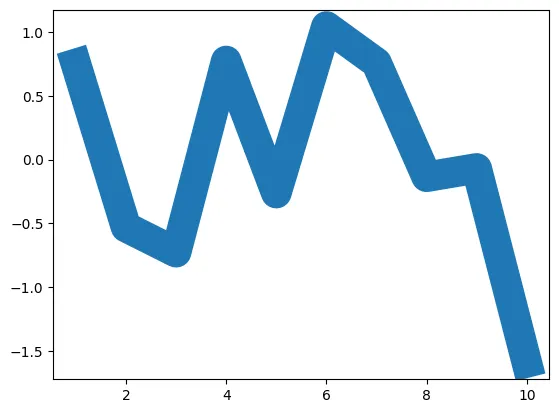
Finally you can custom the line width as well using linewidth argument.
# Libraries and data
import matplotlib.pyplot as plt
import numpy as np
import pandas as pd
df=pd.DataFrame({'x_values': range(1,11), 'y_values': np.random.randn(10) })

# Modify line width of the graph
plt.plot( 'x_values', 'y_values', data=df, linewidth=22)

# Show graph
plt.show()Going further
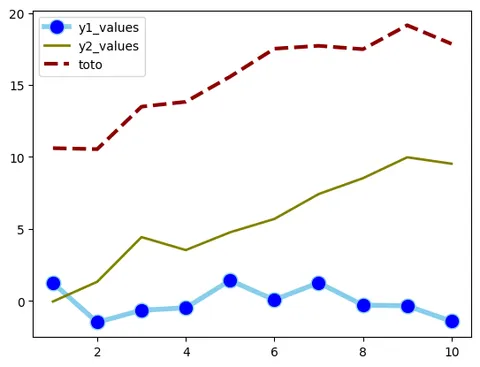
This post explains how to customize a the line of a line chart with matplotlib.
You might be interested in how to use 2 different y axis for 2 lines and how to have a log scale.