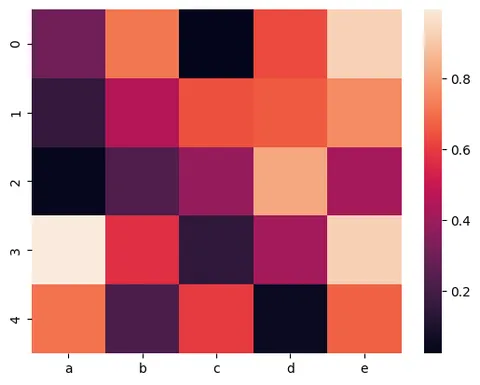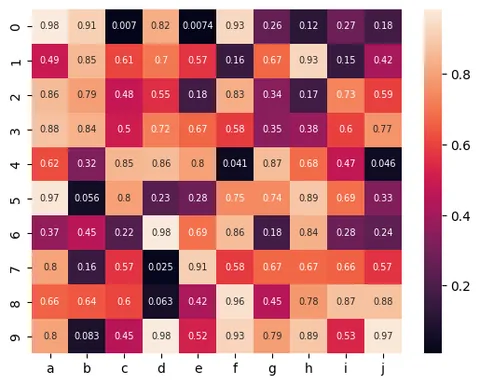
Libraries & Dataset
First, we need to load a few libraries:
- seaborn for the heatmap
- matplotlib for chart customization
- pandas for data manipulation
numpyfor data generation
# library
import seaborn as sns
import matplotlib.pyplot as plt
import pandas as pd
import numpy as np

# Create a dataset
df = pd.DataFrame(
    np.random.random((5, 5)),
    columns=["a", "b", "c", "d", "e"]
)Sequential Palette : one color only
You can customize the colors in your heatmap with the cmap parameter of the heatmap() function in seaborn. The following examples show the appearences of different sequential color palettes.
It's non-exhaustive but it gives you an idea of what available palettes can look like.
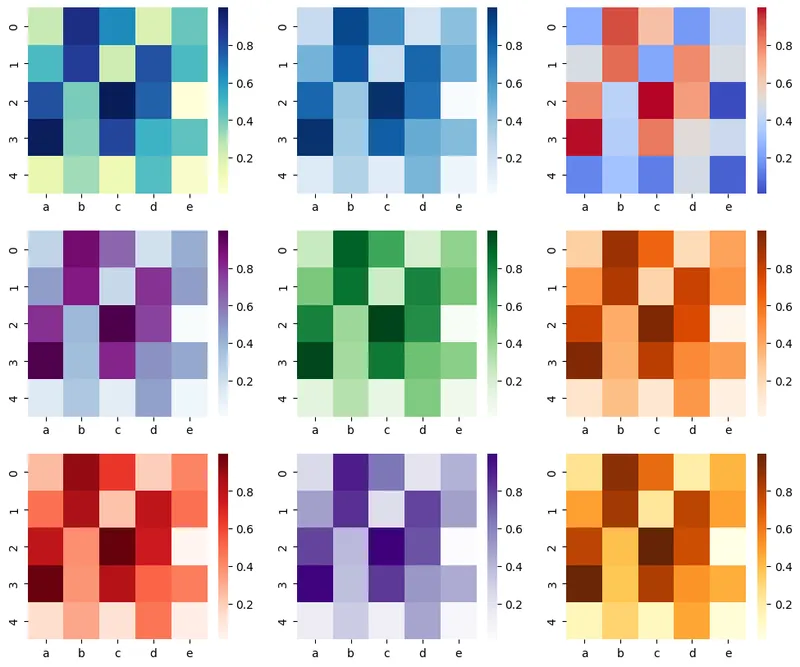
fig, axs = plt.subplots(
    nrows=3, ncols=3,
    figsize=(12, 10)
)

# plot using a color palette
sns.heatmap(df, cmap="YlGnBu", ax=axs[0, 0])
sns.heatmap(df, cmap="Blues", ax=axs[0, 1])
sns.heatmap(df, cmap="coolwarm", ax=axs[0, 2])
sns.heatmap(df, cmap="BuPu", ax=axs[1, 0])
sns.heatmap(df, cmap="Greens", ax=axs[1, 1])
sns.heatmap(df, cmap="Oranges", ax=axs[1, 2])
sns.heatmap(df, cmap="Reds", ax=axs[2, 0])
sns.heatmap(df, cmap="Purples", ax=axs[2, 1])
sns.heatmap(df, cmap="YlOrBr", ax=axs[2, 2])

fig.savefig(
    '../../static/graph/92-control-color-in-seaborn-heatmaps.png', dpi=300
)
plt.show()Min and max color
It is also possible to set maximum and minimum values for color bar on a seaborn heatmap by giving values to vmax and vmin parameters in the function.
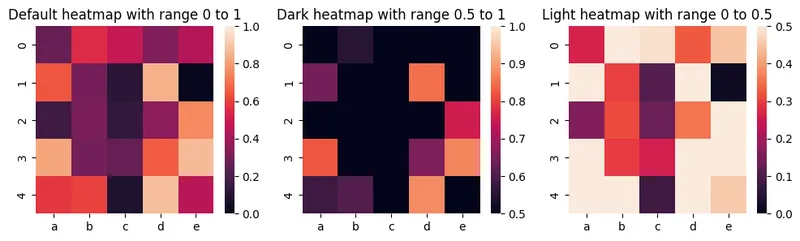
fig, axs = plt.subplots(
    nrows=1, ncols=3,
    figsize=(12, 3)
)

sns.heatmap(df, vmin=0, vmax=1, ax=axs[0])
axs[0].set_title('Default heatmap with range 0 to 1')

sns.heatmap(df, vmin=0.5, vmax=1, ax=axs[1])
axs[1].set_title('Dark heatmap with range 0.5 to 1')

sns.heatmap(df, vmin=0, vmax=0.5, ax=axs[2])
axs[2].set_title('Light heatmap with range 0 to 0.5')

plt.show()Diverging Palette : two contrasting colors
Following example uses 2 contrast colors pink and yellow-green in the heatmap.
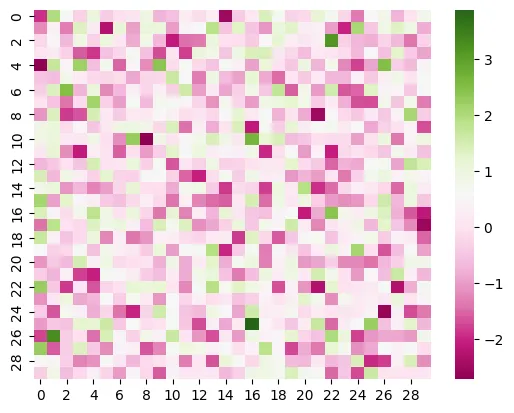
# create dataset
df = np.random.randn(30, 30)

# plot heatmap
sns.heatmap(df, cmap="PiYG")
plt.show()When plotting divergant data, you can specify the value at which to center the colormap using center parameter. You can see the following example heatmap for data centered on 1 with a diverging colormap:
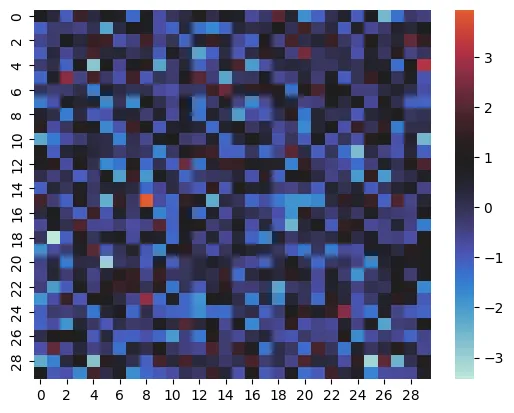
# create dataset
df = np.random.randn(30, 30)

# plot heatmap
sns.heatmap(df, center=1)
plt.show()Discrete Data
If your dataset consists of continues values, you can turn them into discrete numbers and use these discrete values in the heatmap. The following examples shows how to transform continues values into 3 discrete values: 0, 1, and 2.
This way, you can fix the number of colors in your heatmap:
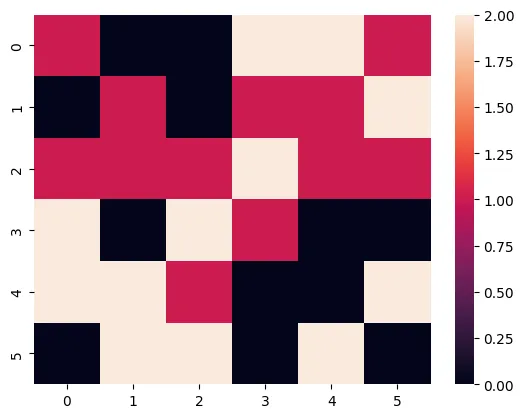
# create data
df = pd.DataFrame(np.random.randn(6, 6))

# make the values in dataset discrete
# the values will be cut into 3 discrete values: 0,1,2
df_q = pd.DataFrame()
for col in df:
    df_q[col] = pd.to_numeric(pd.qcut(df[col], 3, labels=list(range(3))))

# plot it
sns.heatmap(df_q)
plt.show()Going further
This post explains how to create a heatmap with matplotlib and seaborn.
You might be interested by:
- how to create from different data format input
- how to customize heatmaps
- use heatmap with clustering and dendograms